
|
Do it yourself
| |||
| ||||


How to reset the service of the Mini Countryman
Model: Mini Mini
F60, Countryman2
- Years 2017-2023
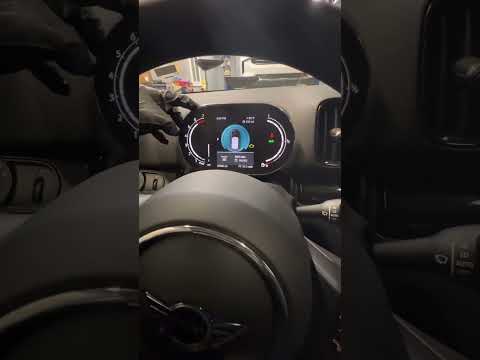
To reset the service of the 2017 Mini Countryman you must first turn on the instrument panel (without starting the engine); keep the button on the odometer pressed until the message "reset possible" and the oil symbol appear; keep the same button pressed again until the message "reset?" appears; keep the same key pressed again until the message "reset in progres" appears; after the reset, the message "reset successfull" appears, indicating that the reset was successful. At this point we can turn off the instrument panel and the reset was successful.
Posted on 19 May 2022 by ScegliAuto
Video tutorial
Related tutorials
Mini
(2017-2023 /
F60, Countryman2)
To reset the "Service" light on a Mini Countryman, start by turning on the instrument panel without starting the engine. Press the button located bel…
Mini
(2017-2023 /
F60, Countryman2)
Resetting the oil service in the Mini Countryman, as we can see in this tutorial, is an extremely simple and quick operation. Before proceeding, make…

Mini
(2010-2016 /
R60, Countryman1)
To reset the Service light on the Mini Countryman, you will need to turn on the instrument panel and then press and hold the button to the right of t…
Other guides you may be interested in
|
How to Remove the Glow Plugs on a Mercedes E-Class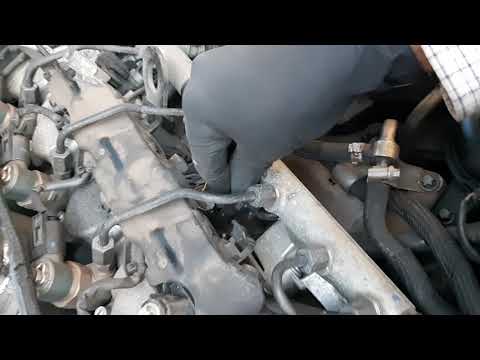
Do you want to remove the glow plugs on a Mercedes E-Class and don't know how? Let's see in this detailed video how to proceed with the removal. Pull the engine hood release lever located on the bottom left of the dashboard and lift the front hood, securing it. Remove the soundproofing panel that covers the engine. Use a socket wrench to unscrew the glow plug, pull it out of the cylinder head (perform the same operation on the other glow plugs). Take the new glow plug and insert it into the cylinder head using the socket wrench. Finally, reinstall the plastic cylinder head cover panel. by ScegliAuto More videos
|

|
For advertising on this site Write to info@scegliauto.com
ScegliAuto is not responsible for any inaccuracy of the data in the lists. To report any inaccuracy or your business (if you own the business in question), please write to info@scegliauto.com
Number of seconds to generate the page: 0.090
(c) ScegliAuto 2026 - info@scegliauto.com - Privacy policy VAT number: IT01247470535 |
