
|
Do it yourself
| |||
| ||||


How to reset the brake wear warning light on the Mini Cooper
Model: Mini Mini
F55, F56, F57, F54
- Years 2014-2023
Let's see in this short and simple guide how to reset the wear indicator of the front brakes of the Mini Cooper, following the instructions below. First of all we get on board the car and start turning on the instrument panel by pressing the ignition button once; after which we keep the button on the instrument panel pressed to access the on-board computer menu, as shown in the video. At this point we scroll through the items on the display up to that of the brakes; then we carry out and confirm the reset of the spy, following the video to the end!
Posted on 7 August 2022 by ScegliAuto
Video tutorial
Related tutorials
Mini
(2007-2014 /
R55, R57, R56)
Let's see the instructions on how to reset the brake wear indicator light on the Mini Cooper, following these simple steps. It may sometimes be neces…

Mini
(2007-2014 /
R55, R57, R56)
To completely remove the brake wear indicator light on the Mini Cooper S, you will need to turn on the instrument panel and then navigate to the menu…

Mini
(2014-2023 /
F55, F56, F57, F54)
To reset the brake wear indicator light on the instrument panel of the Mini Cooper, you will need to turn on the instrument panel and then navigate t…
Other guides you may be interested in |
How to Remove the Driver's Door Panel on a Fiat 600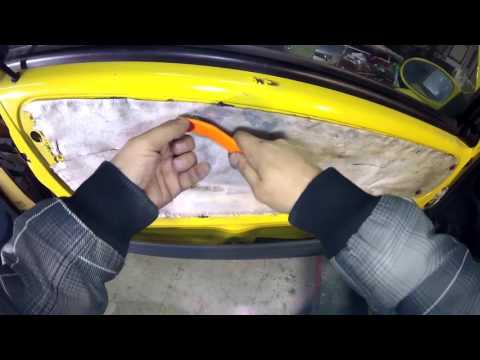
How to remove the driver's door panel on a Fiat 600? This video explains how to proceed. Before starting the disassembly, disconnect the battery terminals located in the engine bay. Use a screwdriver to unscrew the fastening pins on the handle located on the door panel, and unscrew the pins in the plastic of the door opening lever. Remove the handle from the door panel, then use a lever to detach the upper trim panel. Detach the glove compartment panel at the bottom of the door with the lever. Reassemble everything in reverse order. by ScegliAuto More videos
|

|
For advertising on this site Write to info@scegliauto.com
ScegliAuto is not responsible for any inaccuracy of the data in the lists. To report any inaccuracy or your business (if you own the business in question), please write to info@scegliauto.com
Number of seconds to generate the page: 0.047
(c) ScegliAuto 2026 - info@scegliauto.com - Privacy policy VAT number: IT01247470535 |
