
|
Do it yourself
| |||
| ||||


How to reset the tire pressure warning light on Mini Cooper R56
Model: Mini Mini
R56, R57, R55
- Years 2007-2014
This video tutorial shows the procedure for resetting the tire pressure warning light on the Mini Cooper R56 step by step. This procedure is simple and quick to carry out. This procedure will take less than 1 minute to complete and will not require any computer, program or special tool. It is advisable to use this procedure only if this warning light remains on after having checked and inflated all 4 tires to the correct pressure. If this light comes on again even after all the tires are at the correct pressure it could be that the sensor is faulty.
Posted on 9 February 2023 by ScegliAuto
Video tutorial
Related tutorials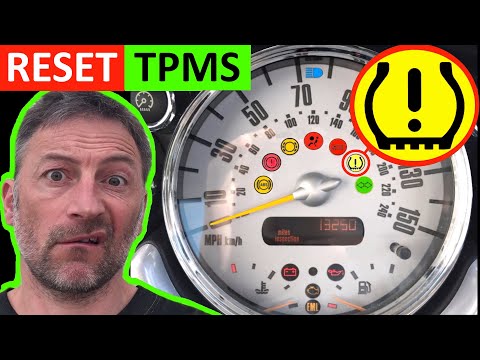
Mini
(2007-2014 /
R56, R57, R55)
In today's video we will see the instructions that will allow us to reset the tire pressure warning light of a Mini Cooper R50-R53; before carrying o…

Mini
(2007-2014 /
R56, R57, R55)
Today we will see how to reset the tire pressure warning light on a Mini Cooper model R56, produced from 2007 to 2014. The tire pressure reset should…

Mini
(2007-2014 /
R56, R57, R55)
Today's information will show us how to reset the tire pressure warning light on the Mini Cooper; before performing the TPMS sensor reset, it is nece…
Other guides you may be interested in
|
How to Replace the Timing Belt on a Peugeot 206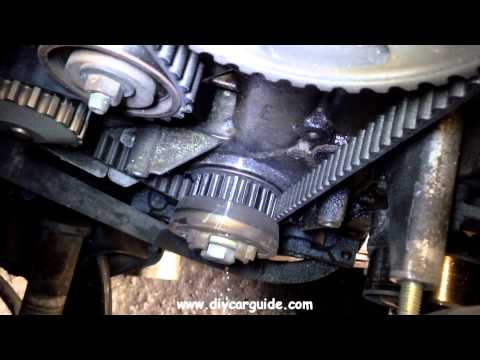
First, release the bonnet from the lever and lift it. Access to the belt is easier from the front right wheel, so remove it. Now disconnect the battery cables. Once the wheel is completely removed, you will also need to remove the brake to work from underneath your vehicle. Unscrew the tensioner and the lower pulley cover, allowing you to comfortably extract the new belt in position. Now simply retrace the steps described above to reassemble the various components. by ScegliAuto More videos
|

|
For advertising on this site Write to info@scegliauto.com
ScegliAuto is not responsible for any inaccuracy of the data in the lists. To report any inaccuracy or your business (if you own the business in question), please write to info@scegliauto.com
Number of seconds to generate the page: 0.052
(c) ScegliAuto 2026 - info@scegliauto.com - Privacy policy VAT number: IT01247470535 |
