
|
Do it yourself
| |||
| ||||


How to reset the brake pad warning light on a 2019 Mini Cooper S
Model: Mini Mini
F57, F56, F55, F54
- Years 2014-2023
In this video tutorial we can see how to reset the brake pad warning light in a 2019 Mini Cooper S, by following a few simple steps: Before resetting the brake pad warning light, you need to replace the brake pads ; after having replaced the brake pads, get on board the car, turn on the ignition and wait for all the lights to go out, then press the button on the right of the speedometer and keep it pressed, release the button only when the first symbol appears of the pads (700 miles reset possible); now press and hold the same button on the right of the speedometer again, until the message "Reset in progress." appears, continue to hold until the reset is complete.
Posted on 20 February 2023 by ScegliAuto
Video tutorial
Related tutorials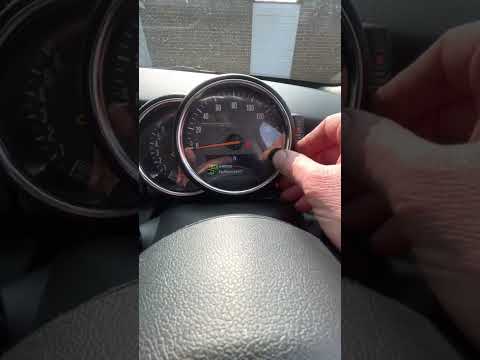
Mini
(2007-2014 /
R56, R57, R55)
Today we will see the steps that will allow us to reset the brake pad warning light on the Mini Cooper. First of all, we get on board the car and tur…
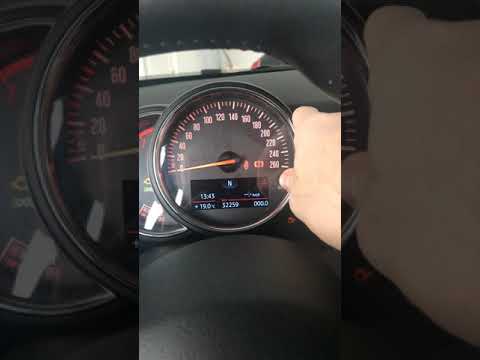
Mini
(2014-2023 /
F57, F56, F55, F54)
In this tutorial, we can see how to reset the brake pad warning light on a Mini Cooper F56 (2014-2023). To reset the brake pad warning light, first w…
Mini
(2017-2023 /
Countryman2, F60)
This short guide will show us how to reset the brake pad warning on the Mini Countryman, following the instructions below. First, we get into the car…
Other guides you may be interested in
|
How to Remove the Air Fan from a Nissan Juke
Learn how to remove the air fan from a Nissan Juke. Open the glove compartment and disconnect the end stop brackets, then unscrew the securing screws with a screwdriver. Unscrew the side screws in the glove compartment and remove the plastic door. Unscrew the screws again, and after disconnecting the power wires, pull the glove compartment out from the dashboard. Remove the fan after disconnecting the power wires. Clean the fan as necessary (disassemble the fan and its parts). Finally, reinstall the previously removed fan (new fan) and all its components under the glove compartment. by ScegliAuto More videos
|

|
For advertising on this site Write to info@scegliauto.com
ScegliAuto is not responsible for any inaccuracy of the data in the lists. To report any inaccuracy or your business (if you own the business in question), please write to info@scegliauto.com
Number of seconds to generate the page: 0.061
(c) ScegliAuto 2026 - info@scegliauto.com - Privacy policy VAT number: IT01247470535 |
