
|
Do it yourself
| |||
| ||||


How to reset the brake light on a Mini Countryman R60 version
Model: Mini Mini
R60, Countryman1
- Years 2010-2016
In this video we see how to reset the brake light on a Mini Countryman R60 version. With the ignition on, we press the button/wheel located on the right side of the instrument panel until the menu "brake pads service reset" appears. We continue to hold down this button while, with the button located at the end of the turn signal lever, on the left side of the steering wheel, we press until the word "reset" appears on the display. When we see this word, we release the button/wheel, while we continue to hold down the button on the turn signal lever until the light turns off. At this point the reset is done and you can turn off the vehicle.
Posted on 2 April 2024 by ScegliAuto
Video tutorial
Related tutorials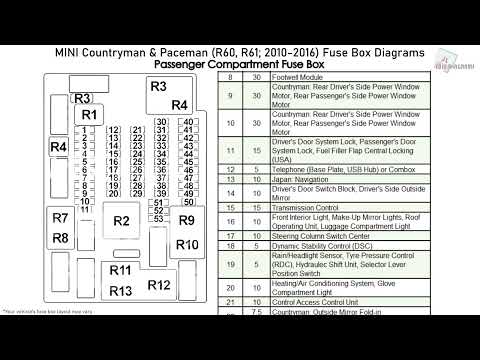
Mini
(2010-2016 /
R60, Countryman1)
In our new guide dedicated to your Mini Countryman R60 (year 2010-2016) we will describe step by step the few steps necessary to be able to identify …
Mini
(2010-2016 /
R60, Countryman1)
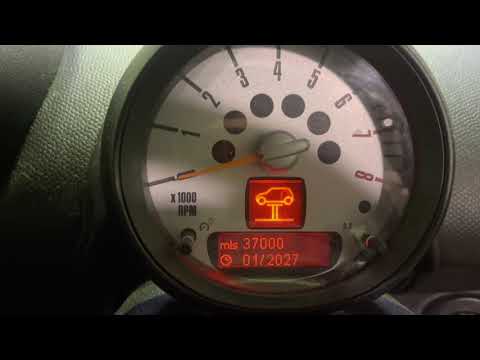
In this new guide dedicated to your 2014 Mini Countryman R60 we will discover together how to manually reset the service warning light which keeps ap…
Mini
(2010-2016 /
R60, Countryman1)
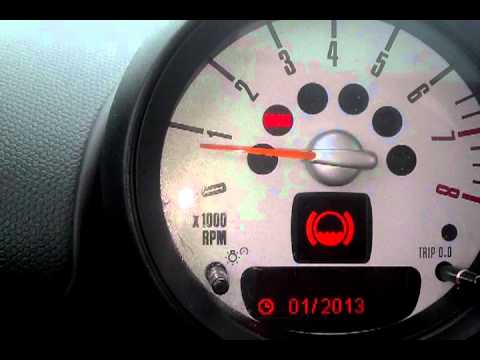
In this short video we will see the instructions that will allow us to reset the brake wear service light on the Mini Countryman R60, but also on the…
Other guides you may be interested in
|
How to Replace the Front Headlamp on a Fiat Bravo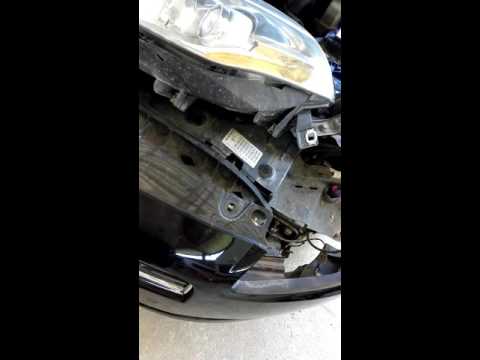
First, release the bonnet using the lever, then lift it. To remove the headlamp, you will need to dismantle a significant part of the front bumper. Start by removing the inner wheel arch liner to access the screw that secures the bumper to the wing. Next, remove the screws located on the top of the bumper. This will allow you to unscrew all the bolts securing the headlamp, including the one hidden by the bumper. Finally, disconnect the connector at the back of the headlamp and carry out the necessary replacements. by ScegliAuto More videos
|

|
For advertising on this site Write to info@scegliauto.com
ScegliAuto is not responsible for any inaccuracy of the data in the lists. To report any inaccuracy or your business (if you own the business in question), please write to info@scegliauto.com
Number of seconds to generate the page: 0.097
(c) ScegliAuto 2026 - info@scegliauto.com - Privacy policy VAT number: IT01247470535 |
