
|
Do it yourself
| |||
| ||||



How to reset the panoramic roof of the Mini Cooper?
Model: Mini Mini
R57, R56, R55
- Years:
2007, 2008, 2009, 2010, 2011, 2012, 2013, 2014
Video tutorial
To reset the panoramic roof of the Mini Cooper, remove the fuse that controls its operation by disconnecting it for a few seconds before reinserting it. Open the bonnet to locate the fuse box on the right side of the engine bay. Once the box is open, you can remove the fuse that regulates the operation of the panoramic roof. After reinserting it as shown in the tutorial, close the box and check that the roof functions again.
Updated on 2 October 2026 by ScegliAuto
Related tutorials
Mini
(2014-2023 /
F55, F54, F56, F57)
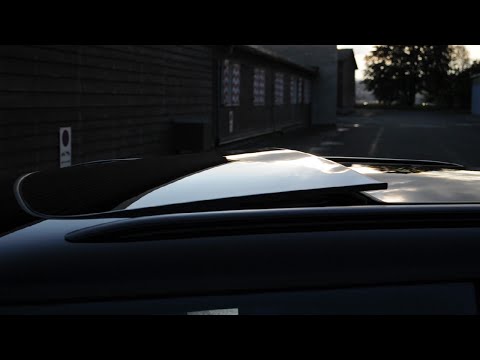
Following today's instructions, we will see how to open the sunroof of the Mini Cooper in simple and quick steps. First, we get into the vehicle and …
Mini
(2014-2023 /
F55, F54, F56, F57)
In this video tutorial, you will see the instructions that will allow you to open the sunroof on a Mini Cooper in simple and quick steps. First, get …

Mini
(2007-2014 /
R57, R56, R55)
In this brief guide, you will learn the instructions to open the tilting panoramic roof of the Mini Cooper in simple steps. First, get inside the veh…
Other guides you may be interested in
|
How to Reset the Tyre Pressure Warning Light on the Jeep Renegade?
To reset the tyre pressure warning light on the Jeep Renegade, inflate the tyres until they reach the recommended pressure: this value is indicated on the sticker attached to the driver’s door pillar. Once the tyres are properly inflated, navigate through the menu that appears on the instrument cluster until you find the tyre pressure option. At this point, press and hold the OK button on the right side of the steering wheel to make the warning light disappear. by ScegliAuto More videos
|
|
For advertising on this site Write to info@scegliauto.com
ScegliAuto is not responsible for any inaccuracy of the data in the lists. To report any inaccuracy or your business (if you own the business in question), please write to info@scegliauto.com
Number of seconds to generate the page: 0.116
(c) ScegliAuto 2026 - info@scegliauto.com - Privacy policy VAT number: IT01247470535 |
