
|
Do it yourself
| |||
| ||||


How to replace the battery of the Mini Cooper remote control.
Model: Mini Mini
F57, F56, F54, F55
- Years 2014-2023
Let's briefly see the steps that will allow us to disassemble and replace the battery of the Mini Cooper key remote. First, take our remote control and start removing the physical key from inside it; then, pry open the small plastic cover located behind the remote to access the battery compartment, as shown in the video. At this point, remove and replace the battery with a new one, of the correct type and with the same code; insert it in the correct direction and reassemble the cover on the remote control, testing its functionality!
Posted on 25 May 2024 by ScegliAuto
Video tutorial
Related tutorials
Mini
(2010-2016 /
R60, Countryman1)
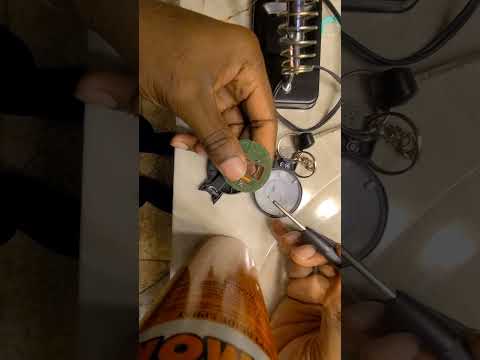
Today, we will show you how to disassemble and reassemble the Mini Cooper key to replace the remote battery. Insert the screwdriver into the key fob …
Mini
(2007-2014 /
R57, R55, R56)
Soon we will see the instructions that will allow us to disassemble and replace the battery of the Mini Cooper key remote. First, we take our remote …

Mini
(2007-2014 /
R57, R55, R56)
In this short guide we will see the information regarding the disassembly and replacement of the battery of the Mini Cooper key remote. First, take o…
Other guides you may be interested in
|
Removing the Door Panel on Ypsilon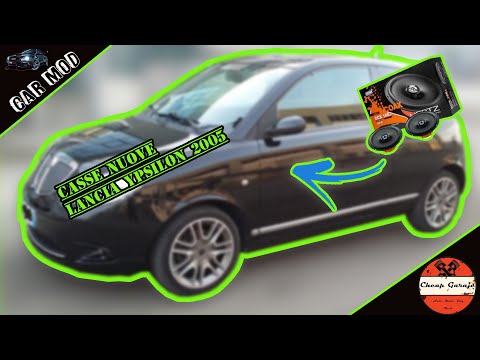
Remove the door panel of the Lancia Ypsilon to access the speaker? Follow this guide to see how to do it. Unscrew all the securing screws located inside the cover panel. Disconnect the securing clips. Finally, pull the panel away with your hands and detach it from the door (disconnect the power wiring and the opening cable). Remove the speaker from inside the door. Refit the panel onto the car door and screw in the screws. Don't forget to reconnect the power terminals behind the panel before refitting it. Test the operation of the newly installed speaker. by ScegliAuto More videos
|

|
For advertising on this site Write to info@scegliauto.com
ScegliAuto is not responsible for any inaccuracy of the data in the lists. To report any inaccuracy or your business (if you own the business in question), please write to info@scegliauto.com
Number of seconds to generate the page: 0.134
(c) ScegliAuto 2026 - info@scegliauto.com - Privacy policy VAT number: IT01247470535 |
