
|
Do it yourself
| |||
| ||||


Resetting the Mini's Service indicator
Model: Mini Mini
F57, F56, F55, F54
- Years 2014-2023
When the time comes to carry out the Mini's service reset, a message appears on the instrument panel to remind us. Once all the necessary operations have been completed, we must reset the control system. We sit in the driver's seat, turn on the instrument panel, press the "BC" button at the top of the lever to the left of the steering wheel until no icon appears on the central display. We press the button to the right of the odometer for a few seconds until the request to reset appears. We confirm by pressing the button, press again and hold until the confirmation message appears.
Posted on 13 August 2024 by ScegliAuto
Video tutorial
Related tutorials
Mini
(2001-2007 /
R52, R50, R53)
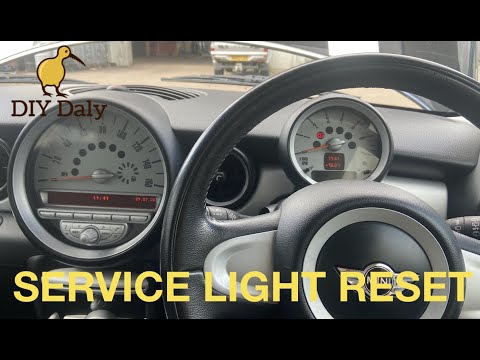
Today, I will explain how to perform the service light reset on a Mini Cooper S model R53. The steps are simple and quick to carry out independently …
Mini
(2007-2014 /
R56, R57, R55)
To reset the service light on this model of Mini Cooper (2007-2014), first turn on the vehicle's ignition without starting the engine. Then, press th…
Mini
(2014-2023 /
F57, F56, F55, F54)
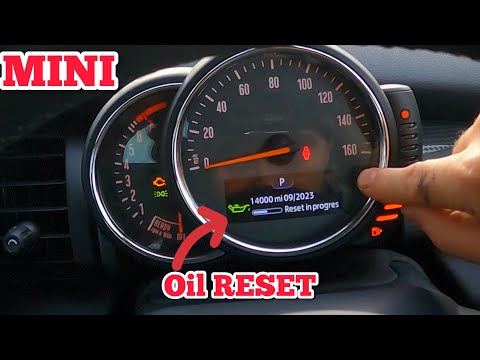
The Service warning light on the Mini F56 is reset by turning on the instrument panel and turning the appropriate key in the block. Once the instrume…
Other guides you may be interested in
|
How to Remove the Tailgate Trim of a Mazda CX-5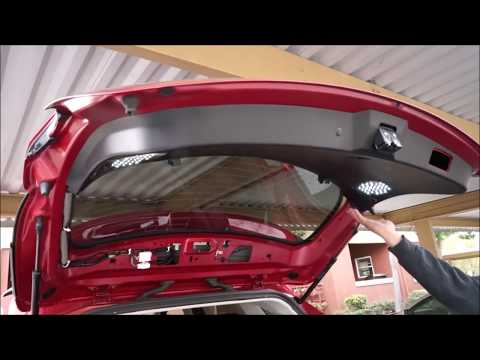
How to remove the tailgate trim of a Mazda CX-5? Follow these steps. Open and lift the tailgate of your car. Using a screwdriver, unscrew the securing screws located in the plastic panel (where the handles are). Remove the plastic trim from the tailgate of the boot (use a plastic or metal lever to assist). Disconnect any electrical connectors attached to the trim. Perform maintenance inside the tailgate. Refit the trims and associated parts in reverse order. by ScegliAuto More videos
|

|
For advertising on this site Write to info@scegliauto.com
ScegliAuto is not responsible for any inaccuracy of the data in the lists. To report any inaccuracy or your business (if you own the business in question), please write to info@scegliauto.com
Number of seconds to generate the page: 0.066
(c) ScegliAuto 2026 - info@scegliauto.com - Privacy policy VAT number: IT01247470535 |
