
|
Do it yourself
| |||
| ||||


How to Replace the Standard Radio of a Mitsubishi Colt
Model: Mitsubishi Colt
MK 1, Z30
- Years 2004-2012
Below are the instructions that will allow you to remove and replace the standard radio of a Mitsubishi Colt in simple steps. First, get inside the vehicle and start prying on the side of the radio to detach and remove it from the dashboard; then disconnect the electrical wiring and the antenna cable found at the back, as shown in the video. At this point, carry out the repair or replacement of the radio with the new one, securing it properly and making the connections; all that remains is to check its functionality.
Posted on 9 April 2026 by ScegliAuto
Video tutorial
Related tutorials
Mitsubishi Colt
(2004-2012 /
MK 1, Z30)
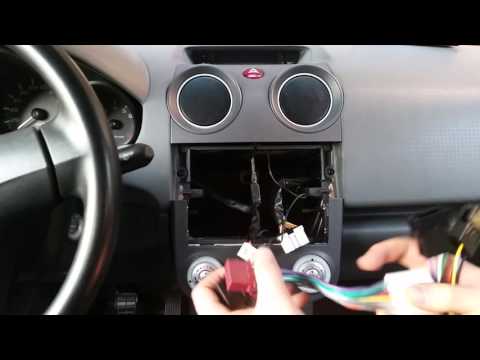
In this short guide, you will find instructions to remove and replace the standard radio of a Mitsubishi Colt. First, get into the cabin and start by…
Mitsubishi Colt
(2004-2012 /
MK 1, Z30)
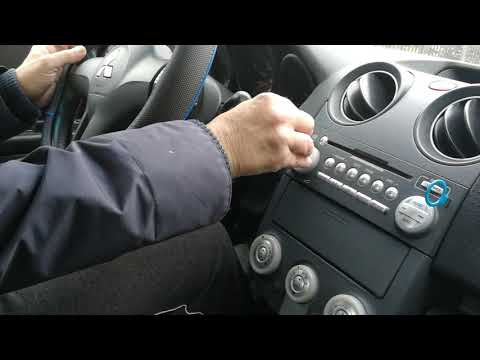
How to remove the original radio from a Mitsubishi Colt? Carefully follow these steps to execute the removal: use the original or aftermarket metal k…
Mitsubishi Colt
(2004-2012 /
MK 1, Z30)
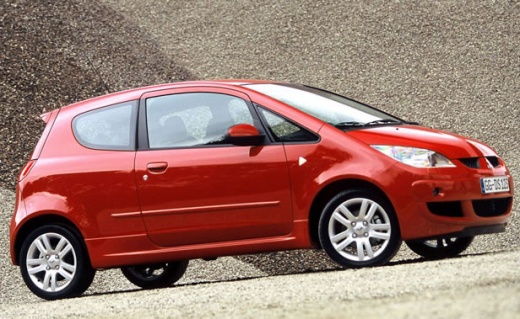
In this video, you will see how to easily remove the radio from the dashboard of a Mitsubishi Colt. The key thing is to have the proper tools for thi…
Other guides you may be interested in
|
How to Replace the External Wing Mirror on a Ford C MAX
In the event of a breakage, it will be necessary to replace the external wing mirror on the 2011 Ford C MAX. This operation is easily performed independently. Start by removing the internal cover of the mirror with a plastic lever. Then, use a socket wrench to remove the securing pins. Once the pins are removed, you can take off the mirror, but not before disconnecting the power connectors. Then proceed to fit the new mirror. First, connect the connectors and then secure the mirror to its housing with the pins. Refit the plastic cover and test the operation of the electric mirror using the controls. by ScegliAuto More videos
|
|
For advertising on this site Write to info@scegliauto.com
ScegliAuto is not responsible for any inaccuracy of the data in the lists. To report any inaccuracy or your business (if you own the business in question), please write to info@scegliauto.com
Number of seconds to generate the page: 0.062
(c) ScegliAuto 2026 - info@scegliauto.com - Privacy policy VAT number: IT01247470535 |
