
|
Do it yourself
| |||
| ||||


How do you deactivate the parking sensors in the Nissan Qashqai?
Model: Nissan Qashqai
J12
- Years 2021-2026
This tutorial has a generic value, it is not specifically indicated for the Nissan Qashqai, but for various car models. In case you prefer, during reverse gear for parking or for any reason, not to use the parking sensors assistance, there is a way to deactivate it directly from the central touchscreen display, by following these simple steps: With the instrument panel on, press Setup, then Video, and finally Assistant Line. By doing this, the deactivation mentioned above will occur perfectly, without the need to use technical tools, etc.
Posted on 6 March 2025 by ScegliAuto
Video tutorial
Related tutorials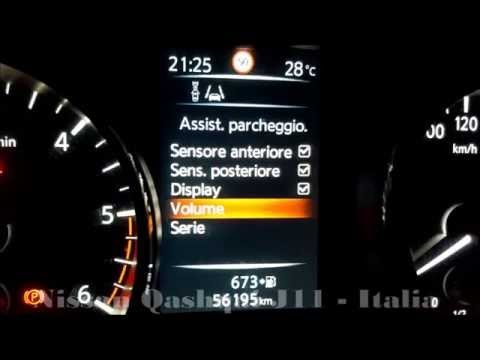
Nissan Qashqai
(2014-2022 /
J11)
Adjusting the volume of the parking sensors on a 2014 Nissan Qashqai J11 can be useful to ensure you hear the beep during parking manoeuvres. To adju…
Nissan Qashqai
(2014-2022 /
J11)
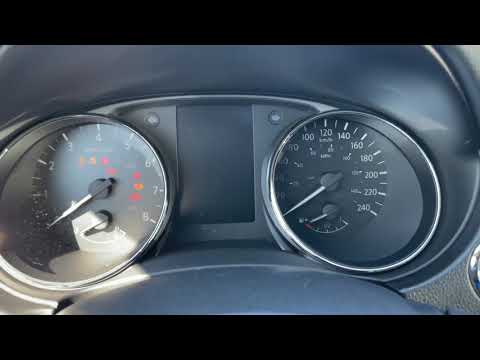
As shown in this tutorial, disabling the parking sensors on the Nissan Qashqai J11 is an extremely simple and quick operation. First, insert the key …
Nissan Qashqai
(2014-2022 /
J11)
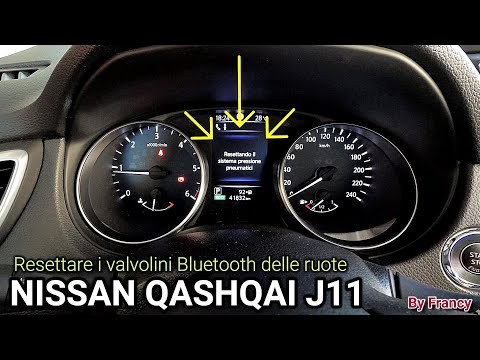
In this video tutorial, you will see how to reset the Bluetooth tyre sensors on the Nissan Qashqai by following a few simple steps. After restoring t…
Other guides you may be interested in
|
How to Reset the Tyre Pressure Light on the Opel Grandland X
While driving, if you notice the tyre pressure warning light coming on, first check the actual inflation pressure of the tyres and, if necessary, restore the pressures recommended by the manufacturer. After restoring the correct pressures, you need to reset the warning light that has illuminated on the instrument cluster. To do this, locate the reset button on the lower central console. Press this button and hold it down for at least 3 seconds, after which the low pressure indication will turn off. by ScegliAuto More videos
|
|
For advertising on this site Write to info@scegliauto.com
ScegliAuto is not responsible for any inaccuracy of the data in the lists. To report any inaccuracy or your business (if you own the business in question), please write to info@scegliauto.com
Number of seconds to generate the page: 0.093
(c) ScegliAuto 2026 - info@scegliauto.com - Privacy policy VAT number: IT01247470535 |
