
|
Do it yourself
| |||
| ||||


How to Replace the Air Filter on a Nissan Micra K11
Model: Nissan Micra
K11
- Years:
1992, 1993, 1994, 1995, 1996, 1997, 1998, 1999, 2000, 2001, 2002
Video tutorial
Let’s see how to replace the air filter on a Nissan Micra K11: this is a very simple and low-cost maintenance task, essential for engine performance. Open the bonnet: on the right side of the engine, you will find a rectangular black box. This is the airbox, the housing for the filter, which is secured by 3 front clips and 3 rear clips. Lift the cover and inside you will see the air filter, a rectangular pleated paper panel with a soft rubber seal around the edge. Remove it and clean the container of dust and debris. Replace the filter with a new, clean one. The arrows on the edge must point towards the engine: this is the correct installation direction. Close the box and the bonnet. The job is done.
Posted on 13 June 2026 by ScegliAuto
Related tutorials
Nissan Micra
(1992-2002 /
K11)
Let’s look at replacing the air filter on a Nissan Micra. To replace the air filter, lift the front bonnet where it is located. Raise the front bonne…
Nissan Micra
(1992-2002 /
K11)
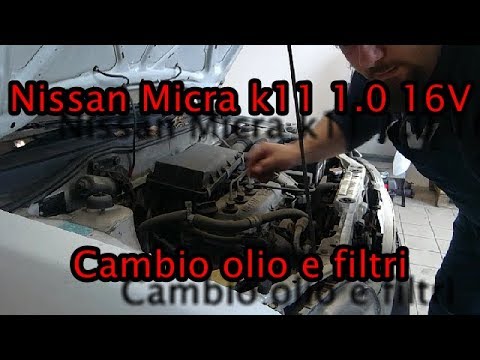
Follow the instructions from the YouTuber to perform a DIY service on your Nissan Micra K11. Start by draining the old oil from the system. Position …
Nissan Micra
(1992-2002 /
K11)
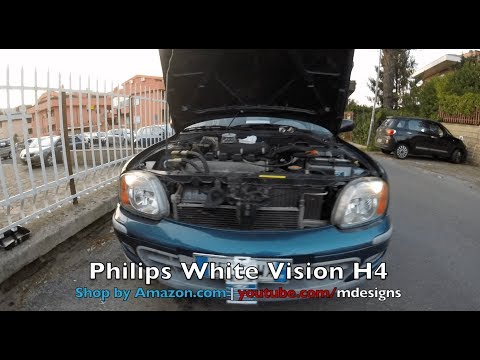
Knowing how to change the headlight bulbs in a Nissan Micra K11 can save you both time and the cost of labour at a garage. The bulbs are inexpensive …
Other guides you may be interested in
|
How to reset the tyre pressure warning light on the Kia Niro EV?
To reset the tyre pressure warning light on the Kia Niro EV, inflate the tyres until they reach the correct pressure value. This value is indicated on the sticker attached to the driver's door pillar. Once the tyres are inflated, turn on the instrument cluster to check that the warning light has completely disappeared from the display. If it is still present, you may need to drive for a few miles to ensure it disappears completely from the screen. by ScegliAuto More videos
|
|
For advertising on this site Write to info@scegliauto.com
ScegliAuto is not responsible for any inaccuracy of the data in the lists. To report any inaccuracy or your business (if you own the business in question), please write to info@scegliauto.com
Number of seconds to generate the page: 0.046
(c) ScegliAuto 2026 - info@scegliauto.com - Privacy policy VAT number: IT01247470535 |
