
|
Do it yourself
| |||
| ||||


How to Disable the Start&Stop on the Nissan Juke?
Model: Nissan Juke
MK 2
- Years 2019-2026
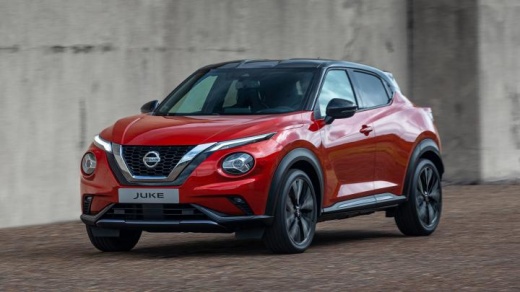
To disable the Start&Stop on the Nissan Juke, turn on the ignition by inserting the key into the ignition switch. Once the dashboard is lit up, press the button with the circular arrow icon located on the dashboard to the left of the steering column. Pressing the button will deactivate the system, as indicated by the corresponding light on the dashboard; to reactivate it, simply press the button again or turn the ignition off and back on.
Posted on 5 October 2026 by ScegliAuto
Video tutorial
Related tutorials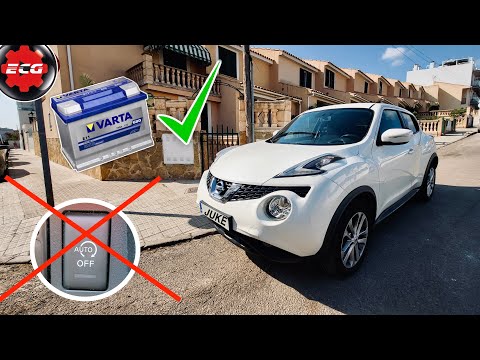
Nissan Juke
(2010-2019 /
MK 1)
To disable the Start&Stop on a Nissan Juke, turn on the instrument panel by inserting the ignition key into the ignition switch. Once the instrument …

Nissan Juke
(2019-2026 /
MK 2)
To replace the battery in a Nissan Juke, switch off the vehicle, open the bonnet, and locate the battery in the engine compartment. Remove any protec…
Nissan Juke
(2019-2026 /
MK 2)
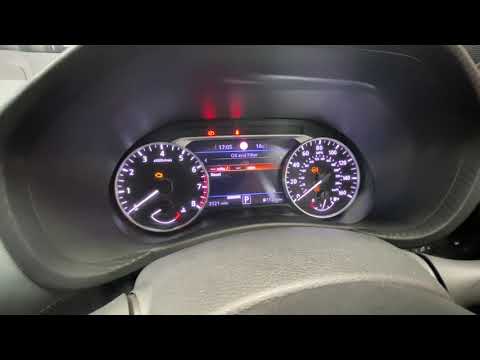
After performing the standard service on your new Nissan Juke, you need to execute a manual reset to clear the warning message on the dashboard displ…
Other guides you may be interested in
|
How to Change the System Language of the Opel Corsa F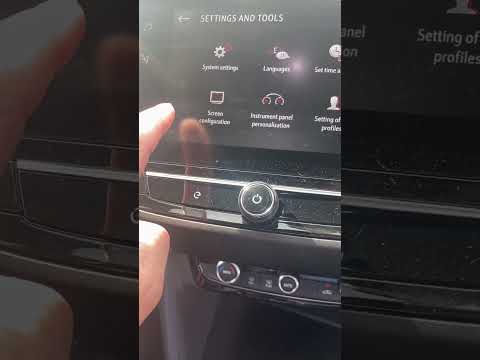
If you own an Opel Corsa F (2019-2023) and want to learn how to change the system language, read this guide carefully and follow the instructions. First, enter the cabin and start both the instrument cluster and the central display. Then, click on the settings icon and select "Options". Next, choose "Languages" and scroll through the list until you find your preferred language. Select it and finally exit the menu to save the changes. by ScegliAuto More videos
|
|
For advertising on this site Write to info@scegliauto.com
ScegliAuto is not responsible for any inaccuracy of the data in the lists. To report any inaccuracy or your business (if you own the business in question), please write to info@scegliauto.com
Number of seconds to generate the page: 0.116
(c) ScegliAuto 2026 - info@scegliauto.com - Privacy policy VAT number: IT01247470535 |
