
|
Do it yourself
| |||
| ||||


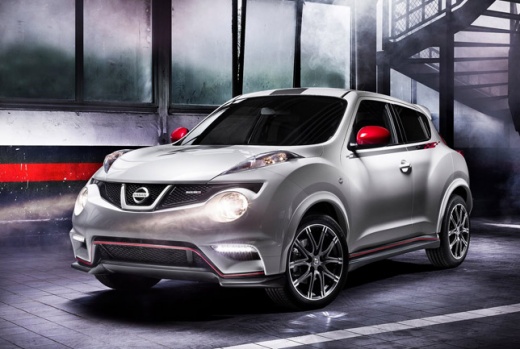
How to Reset the Service Light on a 2017 Nissan Juke?
Model: Nissan Juke
MK 1
- Years:
2010, 2011, 2012, 2013, 2014, 2015, 2016, 2017, 2018, 2019
Video tutorial
The Nissan Juke requires resetting the Service light, which alerts the driver of the service interval and the need for routine maintenance, and if necessary, extraordinary maintenance based on mileage. This can be done in two ways: using a diagnostic tool available at garages, connected to the vehicle's OBD port and linked to the ECU, or DIY by turning on the instrument panel and pressing the two buttons located below the rev counter and speedometer, releasing them when the message 'Oil Life Good' appears.
Updated on 13 October 2026 by ScegliAuto
Related tutorials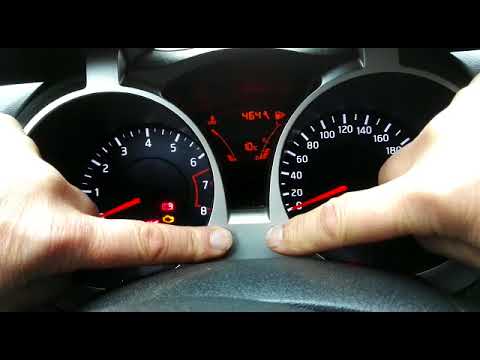
Nissan Juke
(2010-2019 /
MK 1)
Do you want to reset the maintenance light on a Nissan Juke? Here’s how to proceed with the reset of the Nissan Juke car light. Turn on the instrumen…
Nissan Juke
(2010-2019 /
MK 1)
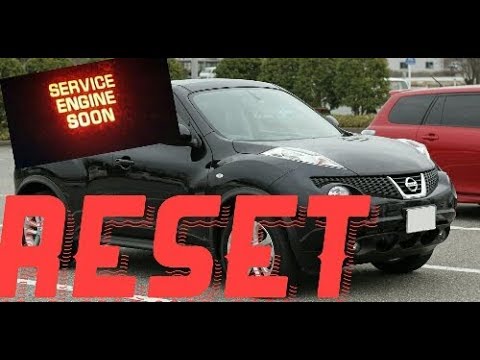
To reset the service light on the 2013 Nissan Juke, first turn on the vehicle's instrument cluster and wait about 3 seconds before pressing the accel…

Nissan Juke
(2010-2019 /
MK 1)
The following video tutorial shows how to reset the service light on a Nissan Juke independently. If the light does not reset, a visit to the garage …
Other guides you may be interested in |
How to Open the Hood of the BMW X3
Today, you will learn how to open and close the hood of the BMW X3. To perform this simple operation, lift the hood release lever located next to the door seal on the driver’s side. After pulling the lever, you will notice that the hood will lift slightly. Position yourself in front of the hood and lift it after moving the internal lever from left to right. To keep the hood secure during maintenance, use the side support rod. To close the hood, simply let it fall back into place. by ScegliAuto More videos
|
|
For advertising on this site Write to info@scegliauto.com
ScegliAuto is not responsible for any inaccuracy of the data in the lists. To report any inaccuracy or your business (if you own the business in question), please write to info@scegliauto.com
Number of seconds to generate the page: 0.019
(c) ScegliAuto 2026 - info@scegliauto.com - Privacy policy VAT number: IT01247470535 |
