
|
Do it yourself
| |||
| ||||


How to reset the service indicator of the Opel Corsa D
Model: Vauxhall Corsa
Corsa D
- Years 2006-2014
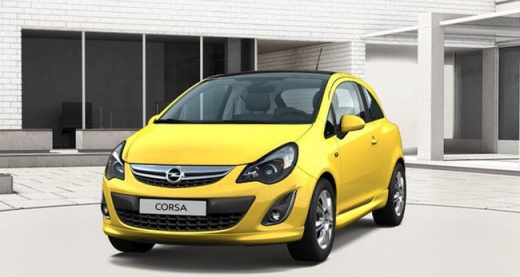
Thanks to the procedure described in this new mini guide, you will be able to complete the manual reset of the service light on the display of the instrument panel of your Opel Corsa D completely independently. First of all, get into the car and then press the brake pedal and the button located below the speedometer. Simultaneously, turn the key and start the instrument panel. At this point, wait for the display to stop flashing and then release the button to complete the service light reset procedure. Finally, turn off the car.
Posted on 20 November 2024 by ScegliAuto
Video tutorial
Related tutorials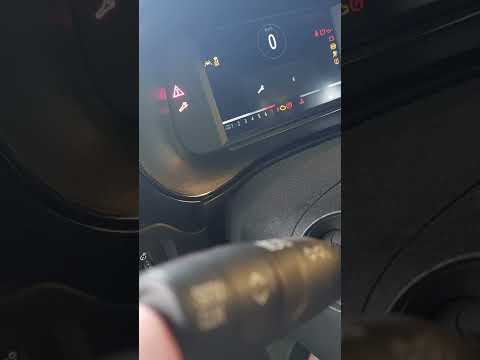
Vauxhall Corsa
(2019-2026 /
Corsa F)
If you own the new Opel Corsa F and want to learn how to correctly reset the service light that appears on the instrument panel, simply follow these …

Vauxhall Corsa
(2014-2019 /
Corsa E)
If you want to manually reset the service light of your Opel Corsa E (year 2019), just follow the procedure described in our new mini guide. First of…
Vauxhall Corsa
(2019-2026 /
Corsa F)
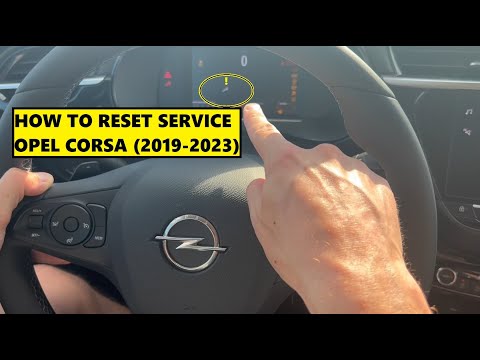
In this new guide dedicated to your Opel Corsa F, we will discover the steps to follow to properly reset the service light on your own. First, enter …
Other guides you may be interested in
|
How to Remove the Original Radio from a Renault Trafic
How to remove the original radio from a Renault Trafic? Follow this video closely to perform the removal: use the original or aftermarket metal keys to detach the stereo, insert the keys into the holes on the plastic cover of the stereo, pull the stereo towards you as shown in the video, and extract the radio while being careful of the various wiring (disconnect the power connectors and the antenna cable). Finally, reinstall the original radio or a generic brand with the appropriate adapter for the input and connector. by ScegliAuto More videos
|
|
For advertising on this site Write to info@scegliauto.com
ScegliAuto is not responsible for any inaccuracy of the data in the lists. To report any inaccuracy or your business (if you own the business in question), please write to info@scegliauto.com
Number of seconds to generate the page: 0.096
(c) ScegliAuto 2026 - info@scegliauto.com - Privacy policy VAT number: IT01247470535 |
