
|
Do it yourself
| |||
| ||||


Engine Oil and Filter Replacement
Model: Vauxhall Vectra
Vectra B, MK 2
- Years 1995-2002
Using a ratchet spanner, gently unscrew the oil filter and remove it from its housing. Replace the used cartridge with a new one. Lift the car with appropriate jacks and secure it with suitable supports to prevent it from falling. Place a plastic sheet and an oil collection tray under the engine. Unscrew the oil cap on the sump and allow it to drain. Close the oil cap, refit the oil filter, and top up with new oil. Do not dispose of used oil in the environment; take it to designated collection centres. Reset the computer for the new service.
Updated on 6 February 2026 by ScegliAuto
Video tutorial
Related tutorials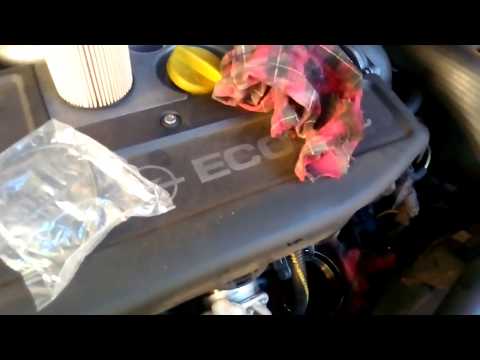
Vauxhall Vectra
(2002-2008 /
Vectra C, MK 3)
How to replace the engine oil filter on an Opel Vectra? Follow these steps for the replacement: open the car door and pull up the engine compartment …
Vauxhall Vectra
(2002-2008 /
Vectra C, MK 3)
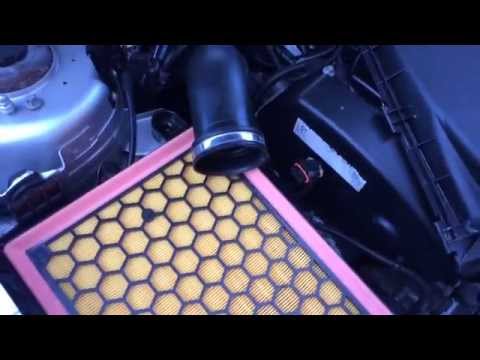
Let's see the replacement of the engine air filter on the Opel Vectra: open the car door, pull up the engine compartment release lever located at the…
Vauxhall Vectra
(2002-2008 /
Vectra C, MK 3)
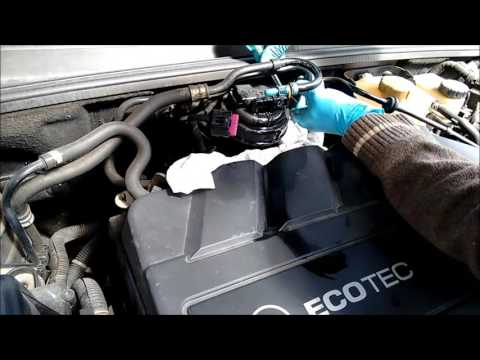
How to replace the fuel filter on an Opel Vectra? Let's see how to proceed. Open the front bonnet and locate the fuel filter. Disconnect all electric…
Other guides you may be interested in
|
Where is the Fuel Filter Located in a Volvo XC60?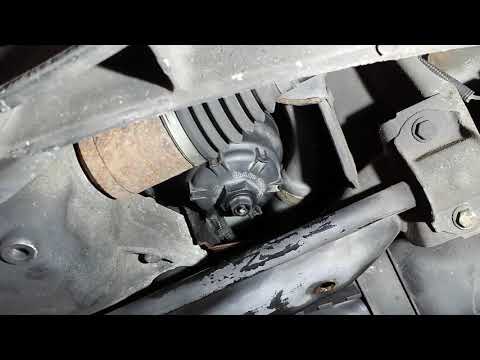
In this video, you will see where the fuel filter is located in a Volvo XC60 and how to proceed if you need to replace it. As shown, the filter is positioned at the lower part of the engine, right between the left half-shaft and the sway bar attachment. To replace the filter, first, go underneath the vehicle, taking all necessary safety precautions. Then, using an 18mm wrench, open the drain valve and allow any water present to escape. Next, unscrew the housing, remove the old filter, insert the replacement along with a new gasket, and reassemble everything. by ScegliAuto More videos
|
|
For advertising on this site Write to info@scegliauto.com
ScegliAuto is not responsible for any inaccuracy of the data in the lists. To report any inaccuracy or your business (if you own the business in question), please write to info@scegliauto.com
Number of seconds to generate the page: 1.280
(c) ScegliAuto 2026 - info@scegliauto.com - Privacy policy VAT number: IT01247470535 |
