
|
Do it yourself
| |||
| ||||


Replacing Brake Pads
Model: Vauxhall Corsa
Corsa D
- Years 2006-2014
Lift the vehicle on suitable axle stands and remove the front wheel (it is suggested to perform this operation after the vehicle has been stationary for a while, so the pads and caliper have cooled down). Then unscrew the fixing pins of the brake caliper: it is sufficient to remove only the lower pin and pivot on the upper one to lift the caliper; then remove the old pads, lever between the disc and caliper to retract the piston, insert the new pads, and refit the caliper, tightening the pins adequately. Pay attention during the first braking.
Updated on 8 February 2026 by ScegliAuto
Video tutorial
Related tutorials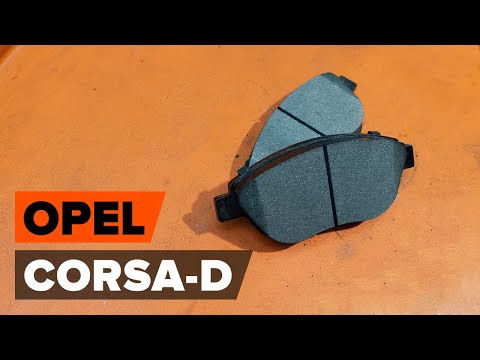
Vauxhall Corsa
(2006-2014 /
Corsa D)
In today's video, learn how to remove and replace the front brake pads on the Opel Corsa D, following the instructions below. First, lift the vehicle…
Vauxhall Corsa
(2006-2014 /
Corsa D)
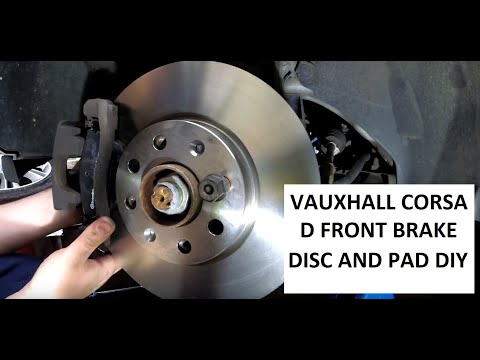
Do you want to replace the front brake pads on your Opel Corsa? Let's see how to remove the wheel and then the brake pads. Lift the car on a column l…
Vauxhall Corsa
(2006-2014 /
Corsa D)
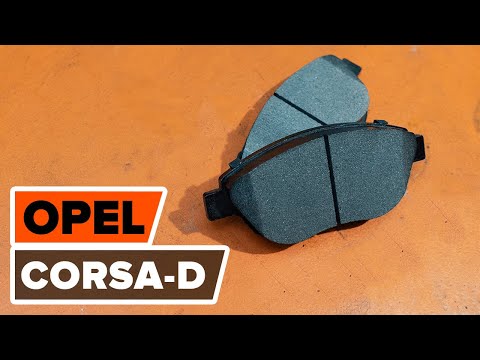
First, lift the bonnet and unscrew the cap of the brake fluid reservoir. Then loosen the wheel bolts, raise the vehicle on axle stands, and finish re…
Other guides you may be interested in
|
How to Bleed the Clutch on a Renault Clio?
To bleed the clutch on a Renault Clio, open the bonnet to access the components located in the engine bay: here, you will need to undo the screws that secure the battery in its housing, the intake manifold, and the coolant reservoir. This will allow you to locate the pipe through which the brake fluid flows: by inserting the other end of the pipe into a container, you can press the clutch pedal to expel all the fluid until it fills the container. by ScegliAuto More videos
|
|
For advertising on this site Write to info@scegliauto.com
ScegliAuto is not responsible for any inaccuracy of the data in the lists. To report any inaccuracy or your business (if you own the business in question), please write to info@scegliauto.com
Number of seconds to generate the page: 0.680
(c) ScegliAuto 2026 - info@scegliauto.com - Privacy policy VAT number: IT01247470535 |
