
|
Do it yourself
| |||
| ||||


Replacement license plate lights on Opel Astra
Model: Vauxhall Astra
Astra K
- Years 2015-2022
Replacing the license plate lights is very simple: locate the two taillights above the license plate and lever with a flathead screwdriver on the right seam. This way you will get him out of the office. Repeat the operation on both lights, then slightly unscrew the connector and, in doing so, it will come out of the casing together with the bulb. Remove the bulb from the connector by simply pulling it and insert the new one you purchased. Make sure you have purchased a bulb with the same socket as the old one and of a suitable size for the light.
Posted on 13 January 2022 by ScegliAuto
Video tutorial
Related tutorials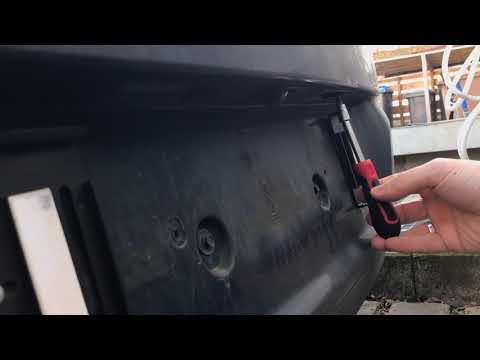
Vauxhall Astra
(2015-2022 /
Astra K)
Today's information will show us the process of disassembling and replacing the license plate lights of the Opel Astra. First, let's move to the rear…

Vauxhall Astra
(2009-2016 /
Astra J)
In order to replace the license plate light bulb of the Opel Astra, you need to use an object to pry and detach the small light fixture above the lic…
Vauxhall Astra
(2009-2016 /
Astra J)
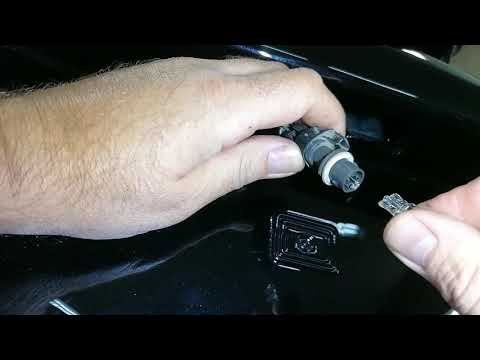
In this video tutorial, we will see how to disassemble and replace the license plate light bulb of the Opel Astra, following the instructions below. …
Other guides you may be interested in
|
How to Remove the Front Shock Absorber on a Peugeot 406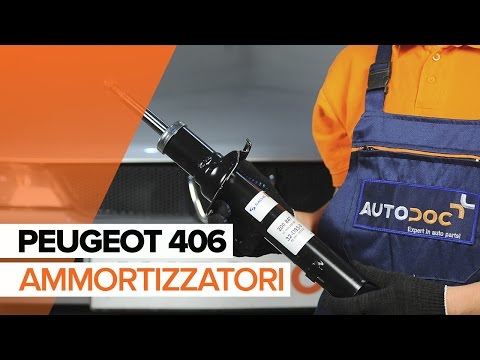
How to remove the front shock absorber on a Peugeot 406? The first step is to lift the bonnet and secure it with the prop rod. Use a socket wrench to unscrew the shock absorber mounting bolts (engine bay), lift the car on a column lift and remove the front wheel. Unscrew the shock absorber mounting bolts at the wheel hub (detach the brake line clips with a screwdriver). Unscrew the bolts on the side, then remove the shock absorber from its housing (place a support under the bar). Compare the old part with the new one and prepare for installation. Fit the new shock absorber to the car, working in reverse order. by ScegliAuto More videos
|

|
For advertising on this site Write to info@scegliauto.com
ScegliAuto is not responsible for any inaccuracy of the data in the lists. To report any inaccuracy or your business (if you own the business in question), please write to info@scegliauto.com
Number of seconds to generate the page: 0.058
(c) ScegliAuto 2026 - info@scegliauto.com - Privacy policy VAT number: IT01247470535 |
