
|
Do it yourself
| |||
| ||||


How to Replace the Brake Light Bulb on the Opel Astra H Sedan
Model: Vauxhall Astra
Astra H
- Years 2004-2010
This guide shows how to replace the brake lights on the Opel Astra H Sedan. First, remove the two bolts located behind the trim panel in the boot. Next, from the edge of the compartment, unscrew the two screws holding the plastic panel in place and remove it. Detach the light unit, taking care with the side retaining clips and the electrical connector. Once the light unit is removed, you can disconnect the bulb holder, which is held in place by some plastic clips. Replace the brake bulb and refit everything in position.
Updated on 14 July 2026 by ScegliAuto
Video tutorial
Related tutorials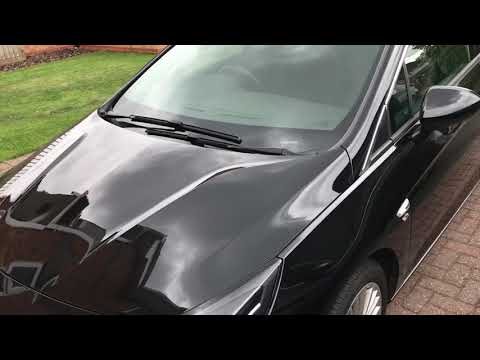
Vauxhall Astra
(2015-2022 /
Astra K)
In this video, you will see how to remove and replace the front headlight bulb of a fourth-generation Opel Astra. First, open and lift the bonnet of …

Vauxhall Astra
(2004-2010 /
Astra H)
In this video, you will learn how to remove and replace the dipped beam headlight bulb on an Opel Astra H. The operation is not complex, and you do n…
Vauxhall Astra
(1998-2006 /
Astra G)
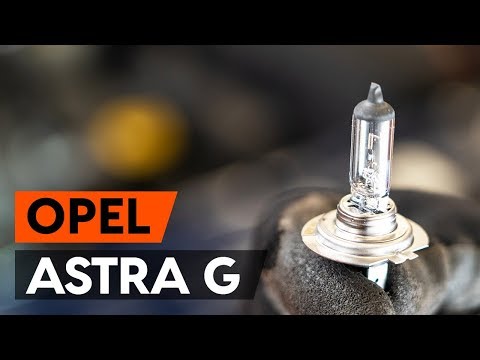
In this brief and simple guide, you will learn how to remove and replace the headlamp bulb of the Opel Astra G. First, open the bonnet of your car an…
Other guides you may be interested in
|
How to reset the tyre pressure warning light on a Hyundai Tucson
Below are the instructions to reset the tyre pressure warning light (TPMS) on a Hyundai Tucson. First, get into the vehicle and turn on the instrument cluster; then navigate to the vehicle settings until you reach the tyre pressure monitor, identifying the tyre with incorrect pressure. At this point, restore all tyre pressures according to the specifications indicated on the label; this will reset the TPMS and the warning light will be cleared from the instrument cluster! by ScegliAuto More videos
|
|
For advertising on this site Write to info@scegliauto.com
ScegliAuto is not responsible for any inaccuracy of the data in the lists. To report any inaccuracy or your business (if you own the business in question), please write to info@scegliauto.com
Number of seconds to generate the page: 0.135
(c) ScegliAuto 2026 - info@scegliauto.com - Privacy policy VAT number: IT01247470535 |
