
|
Do it yourself
| |||
| ||||


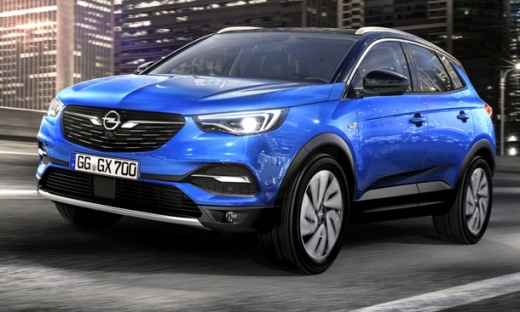
How to Reset the Service and AdBlue in the Opel Grandland X
Model: Vauxhall Grandland X
MK 1
- Years:
2017, 2018, 2019, 2020, 2021, 2022, 2023, 2024
Video tutorial
As seen in the video, sometimes warning lights illuminate on the Opel Grandland X that are not due to mechanical errors but simply because sensors have stopped working. If the notification indicates that you need to add AdBlue, how can you clear the AdBlue warning after topping up the tank? One way to do this is by resetting the Service. Set the ignition to position one, meaning the engine is off but the electrical connections are on. At this point, press and hold the button on the left side of the dashboard. You will see the display show a key and a countdown. Once the countdown finishes, the onboard computer has been reset.
Updated on 27 July 2026 by ScegliAuto
Related tutorials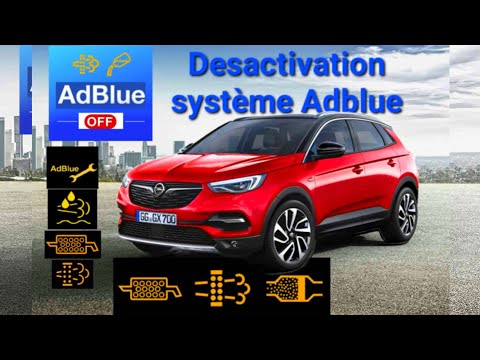
Vauxhall Grandland X
(2017-2024 /
MK 1)
Good morning, today you will reset the "AdBlue" warning light on your Opel Grandland. Before doing this, you must refill the AdBlue. Start by turning…

Vauxhall Grandland X
(2017-2024 /
MK 1)
In this guide, we will see the procedure for resetting the warning light for topping up the AdBlue fluid in the Opel Grandland X. First of all, we ge…
Vauxhall Grandland X
(2017-2024 /
MK 1)
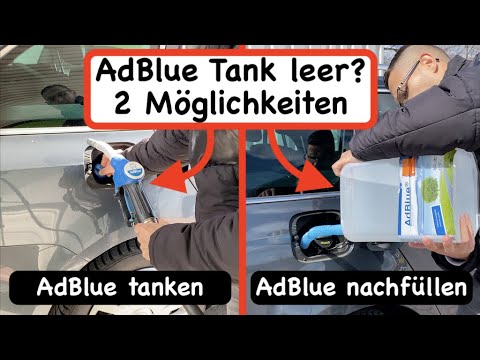
As specified by the manufacturer and programmed within the vehicle's control unit, the AdBlue warning light illuminates to indicate how much range re…
Other guides you may be interested in
|
How to Reset the Tyre Pressure Warning Light on the Jeep Renegade?
To reset the tyre pressure warning light on the Jeep Renegade, inflate the tyres until they reach the recommended pressure: this value is indicated on the sticker attached to the driver’s door pillar. Once the tyres are properly inflated, navigate through the menu that appears on the instrument cluster until you find the tyre pressure option. At this point, press and hold the OK button on the right side of the steering wheel to make the warning light disappear. by ScegliAuto More videos
|
|
For advertising on this site Write to info@scegliauto.com
ScegliAuto is not responsible for any inaccuracy of the data in the lists. To report any inaccuracy or your business (if you own the business in question), please write to info@scegliauto.com
Number of seconds to generate the page: 0.099
(c) ScegliAuto 2026 - info@scegliauto.com - Privacy policy VAT number: IT01247470535 |
