
|
Do it yourself
| |||
| ||||


How to reset the service light on the Opel Karl.
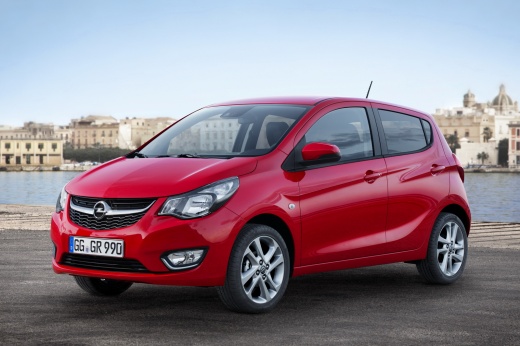
Model: Vauxhall Karl
MK 1
- Years 2015-2019
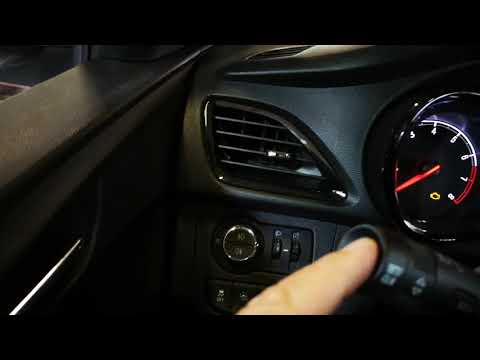
In this video, the procedure for resetting the service light on the Opel Karl is shown. The procedure is very simple and quick, taking less than 1 minute to complete. To perform it, first turn on the car's instrument panel without starting the engine. Then, press the menu button located on the turn signal lever. Once the menu is open, scroll to the oil light using the arrow wheel on the turn signal lever. Once at the oil light, press the set button. A confirmation for the reset will be requested, select yes, and in a few seconds, the reset will be complete.
Posted on 15 November 2023 by ScegliAuto
Video tutorial
Related tutorials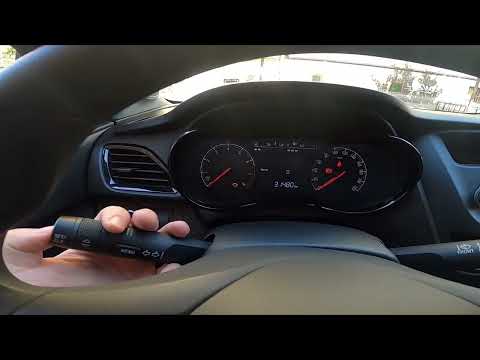
Vauxhall Karl
(2015-2019 /
MK 1)
Below we will see the instructions that will allow us to reset the engine oil light of the Opel Karl. First of all, we get into the car and start the…

Vauxhall Karl
(2015-2019 /
MK 1)
To reset the service light on an Opel Karl vehicle, it is essential that all necessary maintenance operations have been carried out in the workshop f…
Vauxhall Karl
(2015-2019 /
MK 1)
Before we can begin, we will have to go and sit in the driver's seat of our Opel Karl. Let's start by turning the key inside the ignition switch to p…
Other guides you may be interested in
|
How to Replace the Brake Pads on a BMW X3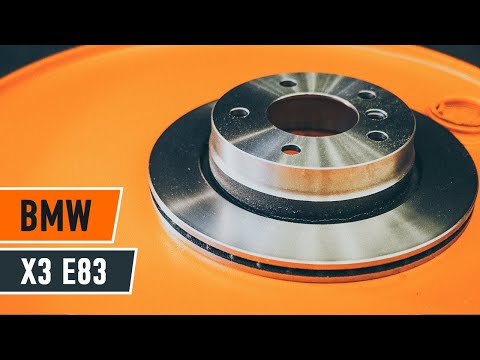
For this operation, you will need to remove the wheel where you will perform the replacement, so it will be convenient to lift your vehicle and place it on jack stands; this way, you will work much more comfortably. To remove the spring that holds the front pads, use a flathead screwdriver. Now, unscrew the bolts that secure the piston to the pads, then remove it, giving you access to both pads that brake the rotor. Of course, repeat the same steps on the other side if the same replacements are needed. by ScegliAuto More videos
|
|
For advertising on this site Write to info@scegliauto.com
ScegliAuto is not responsible for any inaccuracy of the data in the lists. To report any inaccuracy or your business (if you own the business in question), please write to info@scegliauto.com
Number of seconds to generate the page: 0.058
(c) ScegliAuto 2026 - info@scegliauto.com - Privacy policy VAT number: IT01247470535 |
