
|
Do it yourself
| |||
| ||||


How to Reset the Service Light on the Opel Vivaro Van?
Model: Vauxhall Vivaro
MK 3, Vivaro C
- Years:
2019, 2020, 2021, 2022, 2023, 2024, 2025, 2026
Video tutorial
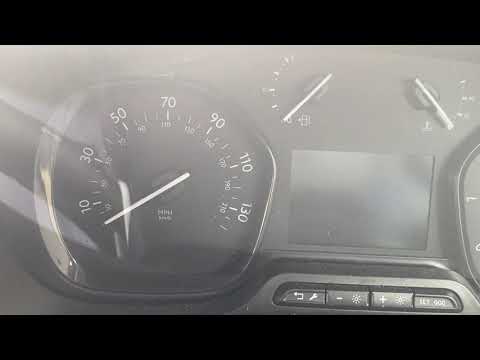
In this tutorial, you will learn how to reset the service light on the Volkswagen Vivaro van, a very simple and quick operation, to be performed only after completing all the required scheduled maintenance tasks. Start by entering the cabin, then insert the key but leave it in the initial position. Next, press and hold the button depicting a spanner located in the centre of the dashboard, turn on the ignition simultaneously, and keep the button pressed for the entire duration of the countdown displayed.
Updated on 28 August 2026 by ScegliAuto
Related tutorials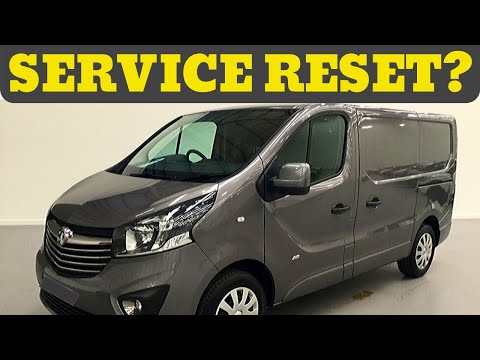
Vauxhall Vivaro
(2014-2019 /
MK 2)
In this tutorial, you will learn how to reset the service light in the Opel Vivaro van, a very simple and quick operation. Before doing this, ensure …

Vauxhall Vivaro
(2014-2019 /
MK 2)
In this tutorial, we will see how to reset the oil service on the Opel Vivaro van, a very simple operation to perform only after completing all requi…
Vauxhall Vivaro
(2019-2026 /
MK 3, Vivaro C)
In this tutorial, you will learn how to reset the service light on an Opel Vivaro van, a straightforward and quick operation. Before proceeding, ensu…
Other guides you may be interested in
|
How to Reset the Tyre Pressure Warning Light on the Jeep Renegade?
To reset the tyre pressure warning light on the Jeep Renegade, inflate the tyres until they reach the recommended pressure: this value is indicated on the sticker attached to the driver’s door pillar. Once the tyres are properly inflated, navigate through the menu that appears on the instrument cluster until you find the tyre pressure option. At this point, press and hold the OK button on the right side of the steering wheel to make the warning light disappear. by ScegliAuto More videos
|
|
For advertising on this site Write to info@scegliauto.com
ScegliAuto is not responsible for any inaccuracy of the data in the lists. To report any inaccuracy or your business (if you own the business in question), please write to info@scegliauto.com
Number of seconds to generate the page: 0.073
(c) ScegliAuto 2026 - info@scegliauto.com - Privacy policy VAT number: IT01247470535 |
