
|
Do it yourself
| |||
| ||||


How to set the clock and date on the Opel Karl
Model: Vauxhall Karl
MK 1
- Years 2015-2019
Setting the time and date on an Opel Karl vehicle is a very simple and quick operation, which can be done in just a few minutes independently, thanks to our short video tutorial. To reset these settings, we must: -turn on the vehicle's dashboard and radio; -press the MENU button on the radio; -scroll through the menu using the volume knob; -select the "SETTINGS" option; -select the "DATE AND TIME" option; -adjust the clock; -set the date; return to the main menu and turn off the vehicle before turning it back on to complete the new configuration.
Posted on 10 April 2024 by ScegliAuto
Video tutorial
Related tutorials
Vauxhall Karl
(2015-2019 /
MK 1)
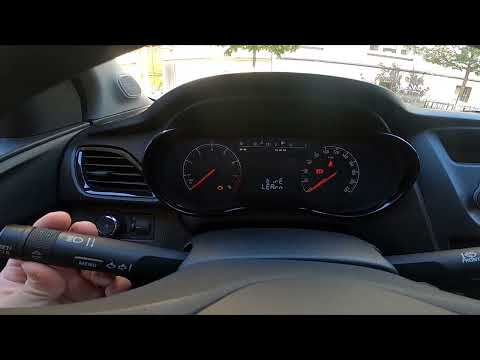
In this new guide dedicated to those of you who own an Opel Karl, we will explain step by step how you can quickly and safely replace the external re…
Vauxhall Karl
(2015-2019 /
MK 1)
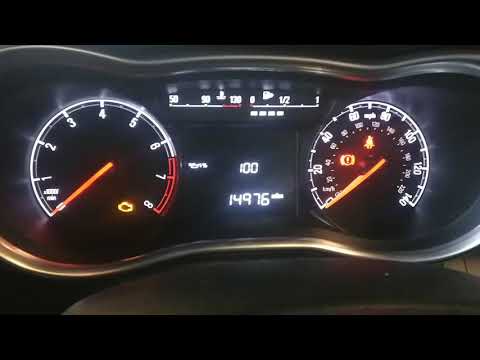
The reset of the tire pressure warning light on the Opel Karl can be easily done independently by following a few simple steps. To begin the reset, t…
Vauxhall Karl
(2015-2019 /
MK 1)
Here’s how to reset the service indicator on an Opel Karl. This is a very simple operation: enter the vehicle, turn on the ignition (the service ligh…
Other guides you may be interested in
|
How to Replace the Lift Supports on a Porsche 911
How to remove and replace the lift supports for the hood on a Porsche 911? Let's see how to replace them in this video: Lift the hood and secure it. Use a screwdriver or metal lever to detach the clips that hold the lift support at both ends (or unscrew the mounting pins). Install the new part onto the sheet metal of the front trunk, securing the lift support with the clips/pins. Proceed in the same manner for the removal/installation of the opposite lift support. Finally, test the gas springs installed earlier. by ScegliAuto More videos
|

|
For advertising on this site Write to info@scegliauto.com
ScegliAuto is not responsible for any inaccuracy of the data in the lists. To report any inaccuracy or your business (if you own the business in question), please write to info@scegliauto.com
Number of seconds to generate the page: 0.085
(c) ScegliAuto 2026 - info@scegliauto.com - Privacy policy VAT number: IT01247470535 |
