
|
Do it yourself
| |||
| ||||


How to Replace the Dashboard Bulbs of the Opel Astra
Model: Vauxhall Astra
Astra G
- Years:
1998, 1999, 2000, 2001, 2002, 2003, 2004, 2005, 2006
Video tutorial
First, remove the three screws located at the three pivotal points on the edge of the dashboard, as well as the three screws on the lower part of the steering column. This will allow you to remove these two parts of the protective panels. Now you can also unscrew the screws that secure the dashboard to your vehicle. Disconnect the plugs located on the back of the dashboard, which can be quite awkward as they are short. You should now have the entire dashboard removed, allowing you to work directly on its rear side. Make the necessary replacements and retrace the steps in reverse for reassembly.
Updated on 25 February 2026 by ScegliAuto
Related tutorials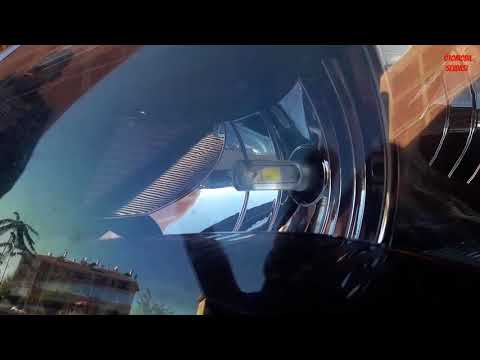
Vauxhall Astra
(2009-2016 /
Astra J)
Learn how to replace the front headlight bulbs on an Opel Astra: open the front bonnet by pulling the lever located at the bottom right of the dashbo…
Vauxhall Astra
(2009-2016 /
Astra J)
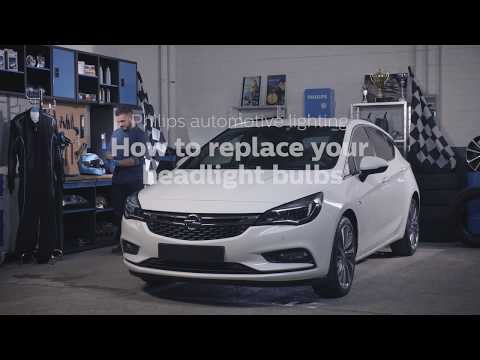
How to replace the front headlight bulbs on an Opel Astra. Open the front bonnet by pulling the lever located at the bottom right of the dashboard; s…

Vauxhall Astra
(1991-1998 /
Astra F)
This video shows how to replace the instrument cluster illumination bulbs on an Opel Astra. Remove the screws on the centre console with a screwdrive…
Other guides you may be interested in
|
How to Activate the Automatic Folding and Unfolding of the Wing Mirrors on the Jeep Compass
Follow these brief instructions to activate the automatic folding and unfolding of the external wing mirrors on the Jeep Compass. First, get inside the vehicle and turn on the ignition; then press the button located beneath the mirror glass adjustment to electrically open the mirror, as shown in the video. Pressing the button in the opposite direction will close the mirrors; by holding the button, the mirrors will open and close automatically! by ScegliAuto More videos
|
|
For advertising on this site Write to info@scegliauto.com
ScegliAuto is not responsible for any inaccuracy of the data in the lists. To report any inaccuracy or your business (if you own the business in question), please write to info@scegliauto.com
Number of seconds to generate the page: 0.025
(c) ScegliAuto 2026 - info@scegliauto.com - Privacy policy VAT number: IT01247470535 |
