
|
Do it yourself
| |||
| ||||


Replace the Instrument Cluster Bulbs on an Opel Astra
Model: Vauxhall Astra
Astra F
- Years 1991-1998
Video tutorial
Detailed instructions - This video shows how to replace the instrument cluster illumination bulbs on an Opel Astra. Remove the screws on the centre console with a screwdriver, then use a plastic lever to pry off the edge on the console. After removing the plastic cover, unscrew the display present on it (the piece removed previously). Once this is done, replace the damaged bulbs with new ones, and if necessary, replace the bulbs/LEDs in the ventilation switch panel. Finally, refit all components of the glove compartment as they were removed previously.
Updated on 28 February 2026 by ScegliAuto
Related tutorials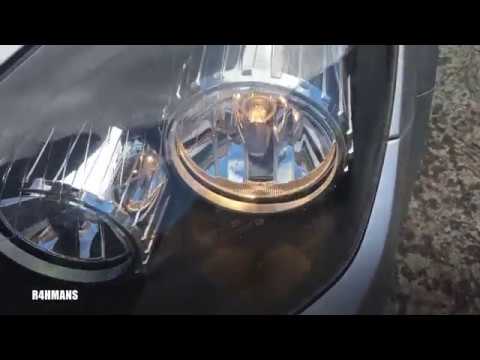
Vauxhall Astra
(2004-2010 /
Astra H)
Watch this video to learn how to replace the bulbs on an Opel Astra. Use a suitable screwdriver to remove the plastic cover at the bottom of the bump…
Vauxhall Astra
(1998-2006 /
Astra G)
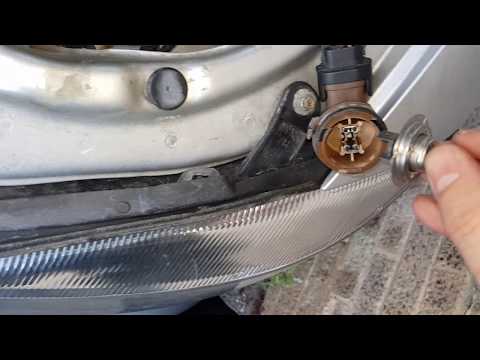
How to replace the bulbs in the front headlights? Lift the front bonnet of the car and remove the inspection caps at the back. Disconnect the battery…
Vauxhall Astra
(1998-2006 /
Astra G)
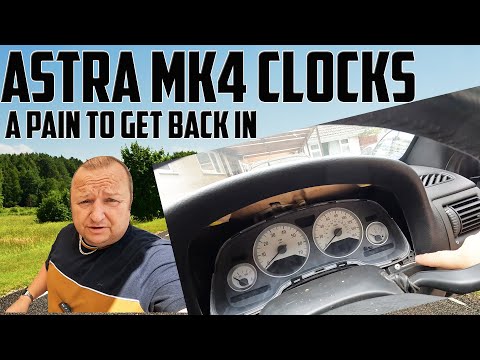
In this tutorial, you will see how to replace the instrument cluster bulbs in the Vauxhall Astra, a very simple and quick operation. First, ensure th…
Other guides you may be interested in
|
How to Activate and Deactivate the Passenger Airbag in a Mercedes Class B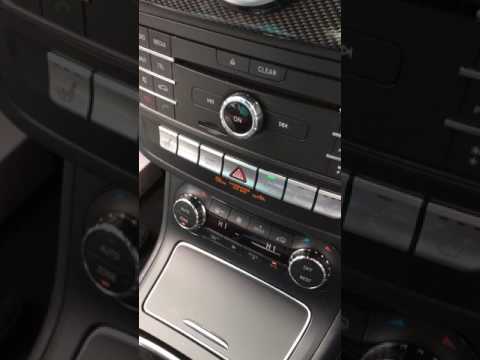
In this short and simple guide, see how to activate and deactivate the passenger airbag in a Mercedes Class B, as well as in the Class A. First, get in the vehicle and turn on the ignition; this will cause the airbag warning light at the bottom of the central instrument panel to light up and then immediately turn off: this means the passenger airbag is activated. Now press the passenger airbag button to deactivate it; this will cause the yellow airbag light to remain on, indicating that the passenger airbag is deactivated! by ScegliAuto More videos
|
For advertising on this site Write to info@scegliauto.com
ScegliAuto is not responsible for any inaccuracy of the data in the lists. To report any inaccuracy or your business (if you own the business in question), please write to info@scegliauto.com
Number of seconds to generate the page: 0.109
(c) ScegliAuto 2026 - info@scegliauto.com - Privacy policy VAT number: IT01247470535 |
