
|
Do it yourself
| |||
| ||||


How to Remove the Air Vents from the Centre Dashboard on a Peugeot 206
Model: Peugeot 206
MK 1
- Years 1998-2012
This video shows how to remove the air vents located in the centre dashboard of a Peugeot 206: using a plastic lever or screwdriver, detach the onboard computer from the dashboard. Once the piece is removed from the dashboard (levering it out), disconnect all the power connectors at the back (if you need to replace the part). Remove the centre dashboard with the attached vents (replace them if damaged) and continue maintenance inside the dashboard. Refit the piece into the centre of the dashboard (ensure the metal clips are engaged). Finally, check the correct installation of the replaced parts.
Updated on 3 March 2026 by ScegliAuto
Video tutorial
Related tutorials
Peugeot 206
(1998-2012 /
MK 1)
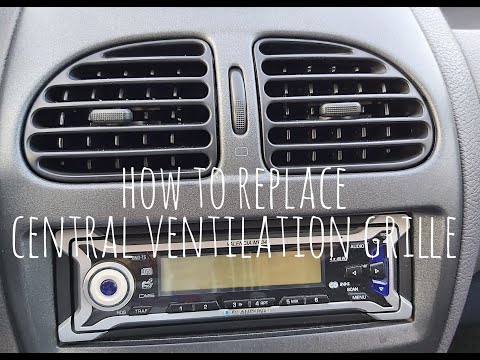
How do you remove the air vents on a Peugeot 206? Watch this video carefully to see how to proceed with the removal. Using a plastic or metal lever, …
Peugeot 206
(1998-2012 /
MK 1)
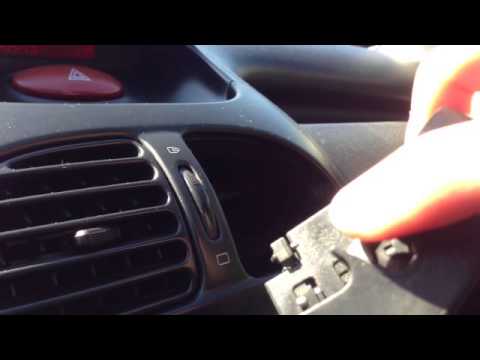
Removing the air vents on a Peugeot 206 is extremely simple, and here’s how to do it. To do this, simply rotate them so that the top is facing outwar…
Peugeot 206
(1998-2012 /
MK 1)
In this short video tutorial, you will learn how to remove and replace the air vents on a Peugeot 206, as well as on many other types of vehicles, in…
Other guides you may be interested in
|
How to Reset the Tyre Pressure Light on the Opel Grandland X
While driving, if you notice the tyre pressure warning light coming on, first check the actual inflation pressure of the tyres and, if necessary, restore the pressures recommended by the manufacturer. After restoring the correct pressures, you need to reset the warning light that has illuminated on the instrument cluster. To do this, locate the reset button on the lower central console. Press this button and hold it down for at least 3 seconds, after which the low pressure indication will turn off. by ScegliAuto More videos
|
For advertising on this site Write to info@scegliauto.com
ScegliAuto is not responsible for any inaccuracy of the data in the lists. To report any inaccuracy or your business (if you own the business in question), please write to info@scegliauto.com
Number of seconds to generate the page: 0.076
(c) ScegliAuto 2026 - info@scegliauto.com - Privacy policy VAT number: IT01247470535 |
