
|
Do it yourself
| |||
| ||||


How to Set the Time in a Peugeot Partner Without the Radio?
Model: Peugeot Partner Tepee
B9
- Years 2008-2018
The clock in a vehicle is mainly adjusted at distinct times, such as when switching from daylight saving time to standard time and vice versa, or if it resets due to disconnecting the 12-volt battery that powers the vehicle. With that clarified, let's see how to set the time in a Peugeot Partner, even though the original radio is absent. Pay close attention to the video provided, all the options in the Menu can be managed directly using the directional buttons on the lever installed on the right side of the steering wheel, the first starting from the bottom. From here, you can set the date, time, etc.
Posted on 13 February 2026 by ScegliAuto
Video tutorial
Related tutorials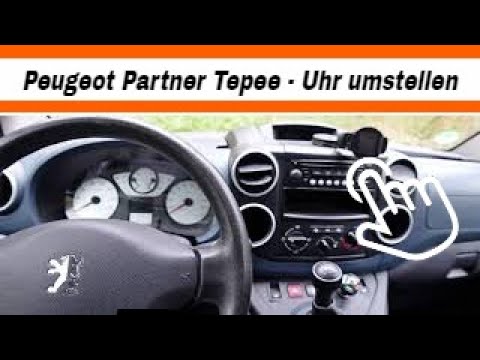
Peugeot Partner Tepee
(2008-2018 /
B9)
In today's video, see how to adjust the date and time on a Peugeot Partner Tepee. This tutorial also applies to other models from the French manufact…

Peugeot Partner Tepee
(2008-2018 /
B9)
In a few simple steps, we will see the instructions that will allow us to change the time on the central display of the Peugeot Partner Tepee. First,…

Peugeot Partner Tepee
(2008-2018 /
B9)
In this guide we will see the steps that will allow us to set the time on the display of the instrument panel on the Peugeot Partner Tepee, but also …
Other guides you may be interested in
|
Fuses Location and Diagram for the Volkswagen Crafter
In this guide, we will look at the location of the fuse boxes and how to find their diagram for the Volkswagen Crafter. First, get inside the vehicle and start by removing the plastic cover found under the steering wheel, to access the internal fuse box; you will find another fuse box in the engine compartment by removing the plastic cover located next to the battery. At this point, use the owner's manual to find the fuse diagram, which will allow you to identify and replace any blown fuses with new ones! by ScegliAuto More videos
|

|
For advertising on this site Write to info@scegliauto.com
ScegliAuto is not responsible for any inaccuracy of the data in the lists. To report any inaccuracy or your business (if you own the business in question), please write to info@scegliauto.com
Number of seconds to generate the page: 0.168
(c) ScegliAuto 2026 - info@scegliauto.com - Privacy policy VAT number: IT01247470535 |
