
|
Do it yourself
| |||
| ||||


How to Reset the GPS on a Peugeot 2008?
Model: Peugeot 2008
MK 2
- Years 2019-2026
The GPS is the main component of the satellite navigation system, as its functionality depends on it, provided that the maps are always up to date. But what can you do if the signal is not functioning well? The first attempt, the most obvious one, is to turn off the navigator and turn it back on, hoping that is enough. If not, the second solution is to disconnect the car's 12-volt power battery, wait a few seconds, and reconnect it. This will directly affect the control unit and should resolve the issue.
Posted on 17 February 2026 by ScegliAuto
Video tutorial
Related tutorials
Peugeot 2008
(2019-2026 /
MK 2)
The sat nav in your vehicle also requires updates from time to time, or rather a check of the settings, especially if an update has been downloaded f…
Peugeot 2008
(2019-2026 /
MK 2)
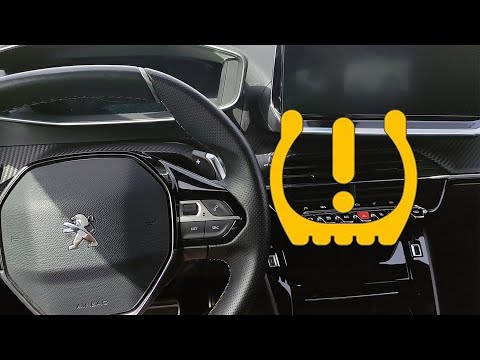
To reset the tyre pressure warning light on the Peugeot 2008, turn on the ignition to access the menu on the central display: press the button with t…

Peugeot 2008
(2013-2019 /
MK 1)
In order to reset the onboard computer of the Peugeot 2008, you will first need to turn on the vehicle's instrument panel: then you will need to pres…
Other guides you may be interested in
|
Frequently Asked QuestionsHow to Reset the Tyre Pressure Light on the Opel Grandland X
While driving, if you notice the tyre pressure warning light coming on, first check the actual inflation pressure of the tyres and, if necessary, restore the pressures recommended by the manufacturer. After restoring the correct pressures, you need to reset the warning light that has illuminated on the instrument cluster. To do this, locate the reset button on the lower central console. Press this button and hold it down for at least 3 seconds, after which the low pressure indication will turn off. by ScegliAuto More videos
|

|
For advertising on this site Write to info@scegliauto.com
ScegliAuto is not responsible for any inaccuracy of the data in the lists. To report any inaccuracy or your business (if you own the business in question), please write to info@scegliauto.com
Number of seconds to generate the page: 0.132
(c) ScegliAuto 2026 - info@scegliauto.com - Privacy policy VAT number: IT01247470535 |
