
|
Do it yourself
| |||
| ||||


How to Start a Peugeot 3008 That Does Not Detect the Key
Model: Peugeot 3008
MK 2, P84
- Years 2016-2023
In this video, see how to start a Peugeot 3008 that, although it opened normally with the remote, would not start with the electronic key and button, as it displayed "key not detected". For these cases, there is a slot on the left side of the steering column where you can place the key, and the vehicle will recognise the key - even if it is flat - and will start anyway. This was not the case here as the remote had correctly opened the door. Subsequently, the starting function resumed normally. The reasons can vary, such as a signal drop or temporary shielding: however, we have learned something important.
Updated on 19 September 2026 by ScegliAuto
Video tutorial
Related tutorials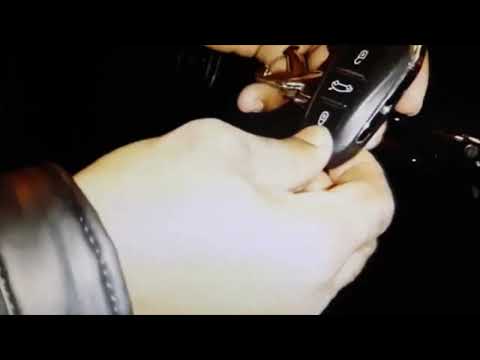
Peugeot 3008
(2016-2023 /
MK 2, P84)
In this guide, learn what to do if the Peugeot 3008 doesn't detect the key. You can still enter the car and start it. Even if the remote doesn't open…
Peugeot 3008
(2016-2023 /
MK 2, P84)
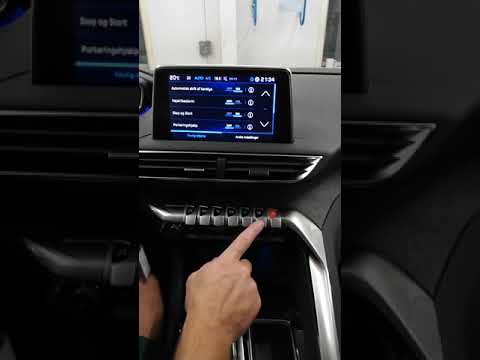
In this guide, you will learn how to reset the tyre pressure sensor on the Peugeot 3008 SUV, specifically the second series. This operation is necess…

Peugeot 3008
(2016-2023 /
MK 2, P84)
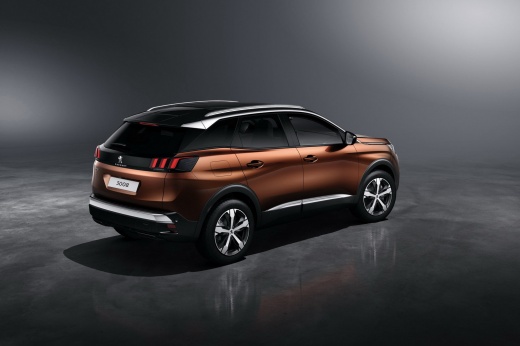
To program the key of the Peugeot 3008, it is necessary to insert the blank key into the ignition block: once this is done, you will need to connect …
Other guides you may be interested in
|
Frequently Asked QuestionsHow to set the clock on the Opel Zafira
Setting the clock to the current Italian time on an Opel Zafira model B vehicle is a very simple operation, which can also be done independently thanks to our short instructional video. The first thing to do is to turn on the instrument panel and then press the SETTING button, located on the central dashboard. Once inside the menu, use the buttons to navigate to the clock setting. Change the hours and minutes and restart the instrument panel. If the clock is not updated, a diagnosis may be necessary at the radio or vehicle control unit. by ScegliAuto More videos
|
For advertising on this site Write to info@scegliauto.com
ScegliAuto is not responsible for any inaccuracy of the data in the lists. To report any inaccuracy or your business (if you own the business in question), please write to info@scegliauto.com
Number of seconds to generate the page: 0.475
(c) ScegliAuto 2026 - info@scegliauto.com - Privacy policy VAT number: IT01247470535 |
