
|
Do it yourself
| |||
| ||||


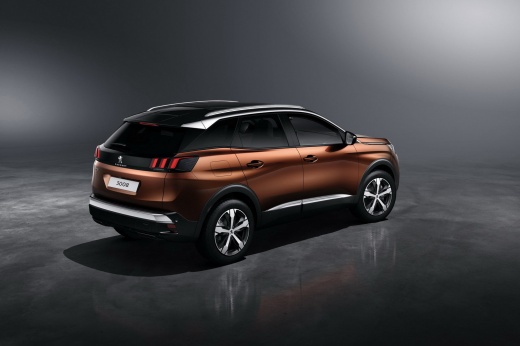
How to use CarPlay and voice commands in Peugeot vehicles
Model: Peugeot 3008
P84, MK 2
- Years:
2016, 2017, 2018, 2019, 2020, 2021, 2022, 2023
Video tutorial
In this video, we will see how to use CarPlay and voice commands in your Peugeot vehicle. CarPlay allows you to display all the functionalities of your smartphone on the vehicle's screen. Simply connect your smartphone with a cable to the USB port; press the phone button, and it will automatically interface with the touchscreen, activating the mirroring function. By pressing the phone icon, you can make calls. For the voice command controls on the steering wheel, find the button on the left side of the steering wheel; just hold it down for two seconds to activate them. If, for example, you want to select the navigation system, you can view it on both the touchscreen and the instrument cluster. While driving, you can make calls and change the radio station without being distracted from driving, all using the voice button.
Updated on 24 September 2026 by ScegliAuto
Related tutorials
Peugeot 3008
(2016-2023 /
P84, MK 2)
In this video, we see how to use the voice recognition internal controls of a Peugeot 3008: on the left side of the steering wheel, we have the picto…

Peugeot 3008
(2023-2026 /
P64)
In this video, we will see how to connect Apple CarPlay or Android Auto to any Peugeot car: we simply need to turn on the instrument panel and make s…

Peugeot 3008
(2009-2016 /
MK 1, T84)
In order to reset the power windows of the Peugeot 3008, you need to remove and replace the fuse that regulates its operation: this will be located i…
Other guides you may be interested in
|
Frequently Asked QuestionsHow to Set the Time in an Audi A4?
In this tutorial, you will see how to set the time in an Audi A4, a very simple and quick operation to perform after replacing the battery or when the time changes. First, insert the key and turn on the instrument cluster. Then, press the "SETUP" button located on the center console. Next, press the upper left arrow button, navigate to the "Time" option, and use the central knob to adjust the clock. Finally, set any necessary formats and save by returning to the main screen. by ScegliAuto More videos
|
|
For advertising on this site Write to info@scegliauto.com
ScegliAuto is not responsible for any inaccuracy of the data in the lists. To report any inaccuracy or your business (if you own the business in question), please write to info@scegliauto.com
Number of seconds to generate the page: 0.034
(c) ScegliAuto 2026 - info@scegliauto.com - Privacy policy VAT number: IT01247470535 |
