
|
Do it yourself
| |||
| ||||


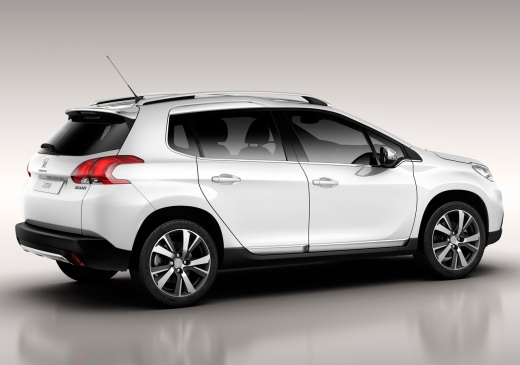
How to Reset the Engine Light on the Peugeot 2008?
Model: Peugeot 2008
MK 1
- Years:
2013, 2014, 2015, 2016, 2017, 2018, 2019
This video is currently unavailable
To reset the engine light on the Peugeot 2008, connect a diagnostic tool to the vehicle's OBD port: this port is located on the dashboard just below the steering column. Once the scanner is connected, select the car model and the corresponding version: through the scan, you can identify the source of the problem causing the light to illuminate. By resolving the issue, you can then erase the stored error in the ECU using the scanner, ensuring that the light goes out completely.
Updated on 29 September 2026 by ScegliAuto
Related tutorials
Peugeot 2008
(2019-2026 /
MK 2)
The warning regarding the AdBlue light on the Peugeot 2008, and generally on modern diesel vehicles, indicates that the AdBlue additive in the tank i…

Peugeot 2008
(2019-2026 /
MK 2)
If the tire pressure warning light is activated on the on-board computer of our Peugeot 2008, it is preferable to stop the car and get out for a chec…
Peugeot 2008
(2019-2026 /
MK 2)
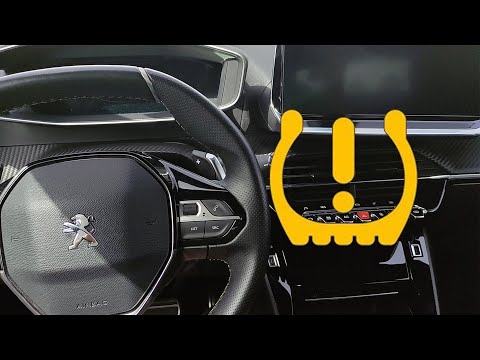
To reset the tyre pressure warning light on the Peugeot 2008, turn on the ignition to access the menu on the central display: press the button with t…
Other guides you may be interested in
|
How to open the bonnet on a Volkswagen Golf?
In this tutorial, you will see how to open the bonnet on a Volkswagen Golf MK4. This is a very simple operation that follows the standard procedure. First, open the driver's door, then locate the lever in the lower left area and pull it. Next, move to the front of the vehicle, lift the bonnet slightly, and find the second lever located just above the Volkswagen logo. At this point, simply pull it towards you, fully open the bonnet, and secure it with the prop rod. To close it, gently push it down. by ScegliAuto More videos
|
|
For advertising on this site Write to info@scegliauto.com
ScegliAuto is not responsible for any inaccuracy of the data in the lists. To report any inaccuracy or your business (if you own the business in question), please write to info@scegliauto.com
Number of seconds to generate the page: 0.041
(c) ScegliAuto 2026 - info@scegliauto.com - Privacy policy VAT number: IT01247470535 |
