
|
Do it yourself
| |||
| ||||


|
Model: Piaggio Vespa 125 Lx
The following steps will allow us to change the time on the display of the instrument panel of the Piaggio Vespa 125 LX scooter. First, turn on the instrument panel and press and hold the menu button found on the right side of the handlebars, thus entering the clock setting; using the same button, we will first change the hour and then the minutes, finally exiting the clock setting to save the changes made. Finally, turn off the instrument panel and start the engine, verifying the correct time change!
Posted on 14 August 2025 by ScegliAuto
Video tutorial
Related tutorials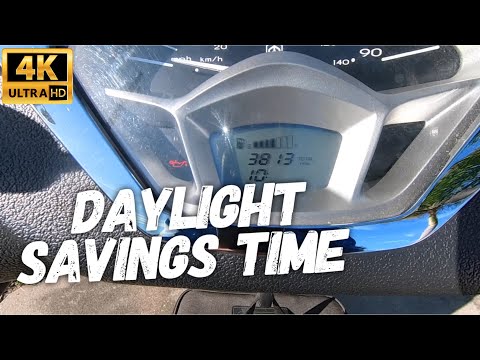
Vespa 125 Lx
To set the clock on the Piaggio Vespa 125 LX, insert the ignition key into the lock and turn it to activate the dashboard: then, press and hold the M…

Vespa 125 Lx
In simple and brief steps, set the time displayed on the small screen of the instrument panel of the Piaggio Vespa 125 LX scooter, as well as the 50 …

Vespa 125 Lx
Below we will see the information regarding changing the time on the display of the instrument panel of the Piaggio Vespa 125 LX scooter. First, turn…
|
How to Reset the Service Light on the Yamaha Xmax 250?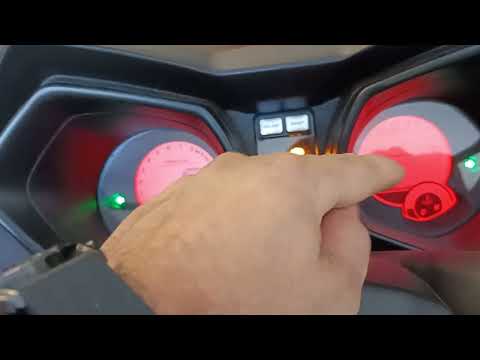
To reset the service light on the Yamaha Xmax 250, you need to insert the ignition key into the appropriate slot, so that you can turn it and switch on the instrument panel. Once this is done, press and hold the central button located on the left side of the instrument panel: the button should be held for about 20 seconds. When released, you will notice that the flashing service light has turned off: to verify that the reset has occurred correctly, you will need to switch off and then switch on the vehicle's instrument panel. by ScegliAuto More videos
|
|
For advertising on this site Write to info@scegliauto.com
ScegliAuto is not responsible for any inaccuracy of the data in the lists. To report any inaccuracy or your business (if you own the business in question), please write to info@scegliauto.com
Number of seconds to generate the page: 0.027
(c) ScegliAuto 2026 - info@scegliauto.com - Privacy policy VAT number: IT01247470535 |
