
|
Do it yourself
| |||
| ||||


How to Remove the Airbag in the Dodge RAM 2500?
In this video tutorial, we can see how to remove the passenger side airbag in the Dodge RAM 2500 first generation. This operation must be performed with the battery disconnected, essential when working on airbags to prevent them from deploying. As we can see, first, remove the glove compartment, then unscrew the two screws of the plastic strip in the compartment. Under this, there are two bolts; unscrew them and proceed to unscrew all the other mounting screws for the airbag indicated. Finally, reaching under the dashboard, disconnect the yellow connector. The airbag will now be free to be removed and replaced.
Updated on 2 May 2026 by ScegliAuto
Video tutorial
Related tutorials
RAM 2500
(2009-2019 /
MK 4, D2, DS, DJ)
Resetting the oil change light on a 2016 Dodge RAM 2500 is really simple and takes just a few seconds. This operation can be performed by anyone, eve…
RAM 2500
(2009-2019 /
MK 4, D2, DS, DJ)
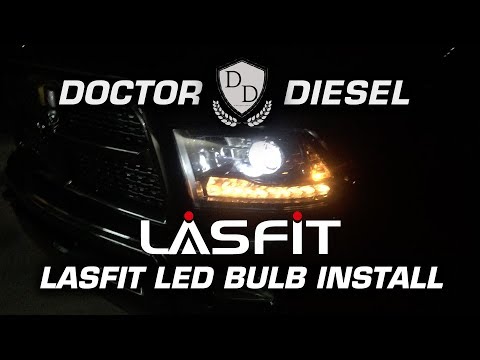
To replace the headlight bulb on a Dodge Ram 2500, first remove the grille located in the center of the vehicle, just above the bumper. Once the gril…
RAM 2500
(2009-2019 /
MK 4, D2, DS, DJ)
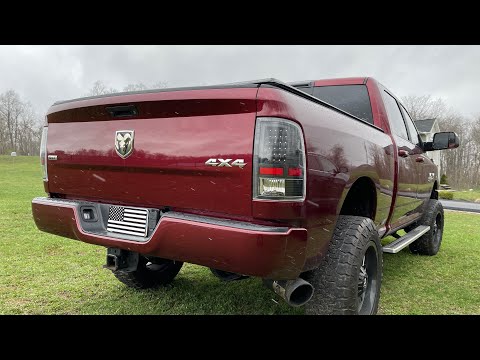
To replace the rear headlight bulb on a Dodge Ram 2500, lower the tailgate to access the screws that secure the headlight. You can then pull the head…
Other guides you may be interested in
|
How to reset the tyre pressure warning light on the Suzuki Jimny?
To reset the tyre pressure warning light on the Suzuki Jimny, first inflate the tyres to the pressure value indicated on the corresponding sticker: this is located at the bottom of the driver's door pillar. Once the tyres are inflated, insert the ignition key and turn on the instrument panel: select the screen that indicates the tyre pressures, checking that the values change. After a few seconds, the tyre pressure warning light will automatically turn off. by ScegliAuto More videos
|
|
For advertising on this site Write to info@scegliauto.com
ScegliAuto is not responsible for any inaccuracy of the data in the lists. To report any inaccuracy or your business (if you own the business in question), please write to info@scegliauto.com
Number of seconds to generate the page: 0.129
(c) ScegliAuto 2026 - info@scegliauto.com - Privacy policy VAT number: IT01247470535 |
