
|
Do it yourself
| |||
| ||||


How to reset the oil warning light on the Dodge RAM 3500
Model: RAM 3500
DJ, MK 4, DS
- Years 2009-2019
This mini guide will be very useful for you to be able to independently and easily reset the engine oil change warning light inside your Dodge RAM 3500. The first thing to do is obviously to turn on the car ignition by pressing once. the "Start" button. Then scroll through the menu until you see the icon with a car depicted above it (located inside the tachometer). At this point you will find the item relating to the remaining life of the oil. Press on "ok" and confirm that you want to reset as soon as you are prompted. Finally, exit the menu and you are done.
Posted on 24 February 2022 by ScegliAuto
Video tutorial
Related tutorials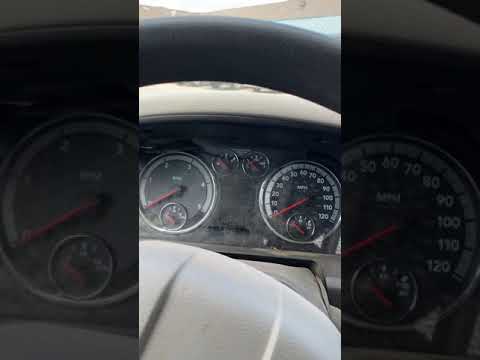
RAM 3500
(2009-2019 /
DJ, MK 4, DS)
In this short video tutorial today we are going to see how to reset the oil warning light on a 2012 Dodge Ram 3500. Doing this operation is really ve…
RAM 3500
(2009-2019 /
DJ, MK 4, DS)
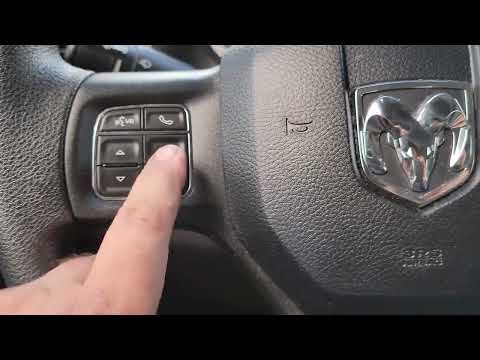
In the following video, we will see how to reset the oil change light on a 2017 Dodge Ram 3500. This procedure can also be repeated for previous mode…
RAM 3500
(1993-2002 /
BE, MK 2, BR)
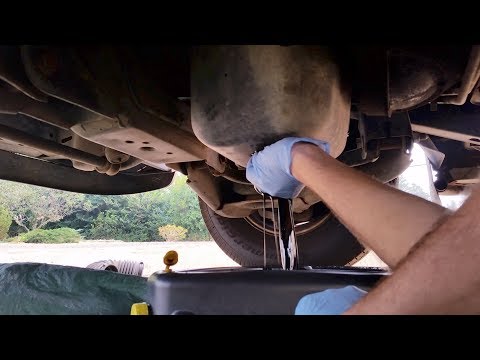
In today's video we will discover the instructions that will allow us to carry out the routine maintenance service, replacing the engine oil and oil …
Other guides you may be interested in
|
How to Replace the Fan Resistor on a Renault Scenic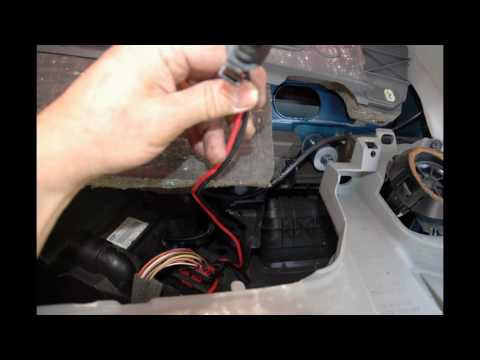
How to replace the fan resistor on a Renault Scenic. In this video, learn how to perform the disassembly: use a lever to remove the plastic under the glove compartment, and unscrew the cover (where the resistor is located) with a screwdriver. Disconnect the large connector of the resistor, then pull it out from the cabin. Insert a new fan resistor (connect the power connector). Finally, refit the cover and tighten the screws. Check the correct assembly of the previously fitted parts and test the correct operation of the fan. by ScegliAuto More videos
|
|
For advertising on this site Write to info@scegliauto.com
ScegliAuto is not responsible for any inaccuracy of the data in the lists. To report any inaccuracy or your business (if you own the business in question), please write to info@scegliauto.com
Number of seconds to generate the page: 0.074
(c) ScegliAuto 2026 - info@scegliauto.com - Privacy policy VAT number: IT01247470535 |
