
|
Do it yourself
| |||
| ||||


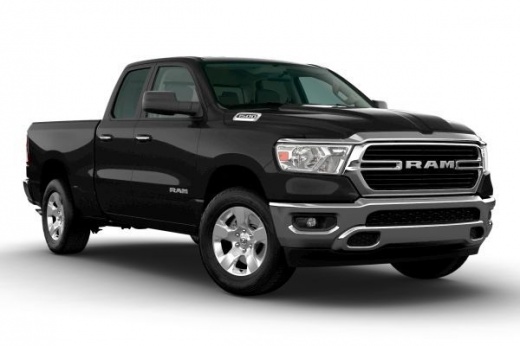
How to Apply Protective Film on the Ram 1500 Headlights?
Model: RAM 1500
MK 5, DT
- Years:
2019, 2020, 2021, 2022, 2023, 2024, 2025, 2026
Video tutorial
Although the vehicle shown in the video is unmistakably a Ram 1500, the same procedure can be used for any other car model. Let's see how to apply the protective film on the headlights. First, clean the surface you want to protect without drying it off. Apply the protective film, making sure to follow its shape and avoid leaving air bubbles. Use a card to remove any bubbles if needed. Wipe the headlight multiple times with a towel to help the film adhere better, and where necessary, use a hairdryer.
Updated on 11 July 2026 by ScegliAuto
Related tutorials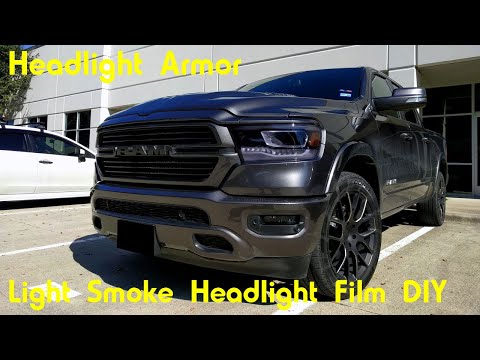
RAM 1500
(2019-2026 /
MK 5, DT)
This video will demonstrate the installation of headlight protection film on a Dodge Ram 1500. You will need a headlight protection kit, a hairdryer,…

RAM 1500
(2019-2026 /
MK 5, DT)
In this guide, you will find instructions to adjust the height of the headlights on a RAM 1500. First, position yourself in front of a fixed referenc…
RAM 1500
(2002-2009 /
D1, DM, DC, MK 3, DR, DH)
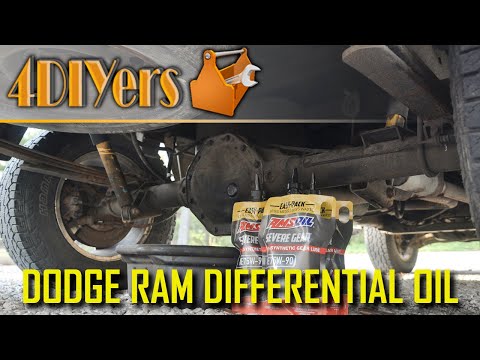
In today's video tutorial, we will see how to change the rear differential transmission fluid on the Dodge RAM 1500. First, move to the rear of the v…
Other guides you may be interested in |
How to Reset the Tire Pressure Light on a MG ZS?
On the instrument cluster of the MG ZS, the tire pressure light that appears can be reset by inflating the tires to the correct pressure: this value will be indicated on the sticker attached to the driver's door pillar. Once the tires have been properly inflated, you can turn on the instrument cluster and navigate through the menu until you find the option that indicates tire pressure: if this screen shows the new values, the light will turn off; otherwise, you will need to drive for a few miles so that the sensors can read the new values and turn off the light afterward. by ScegliAuto More videos
|
|
For advertising on this site Write to info@scegliauto.com
ScegliAuto is not responsible for any inaccuracy of the data in the lists. To report any inaccuracy or your business (if you own the business in question), please write to info@scegliauto.com
Number of seconds to generate the page: 0.057
(c) ScegliAuto 2026 - info@scegliauto.com - Privacy policy VAT number: IT01247470535 |
