
|
Do it yourself
| |||
| ||||


How to replace ABS sensors on a Renault Scenic III
Model: Renault Scenic
Scenic 3, MK 3, MK III, Scenic III
- Years 2009-2015
In this video we can see how to replace, if necessary, the ABS sensors on a Renault Scenic III: the first thing we need to do is to disconnect the negative pole from the starter battery, so we can work safely. We then lift the vehicle and remove the front wheels, placing the tires under the vehicle for added safety. We find the sensor behind the brake disc, remove the protection and then disconnect the connector, pulling it out of its housing. We can find the new piece for example on Auto-doc. It with the code 4064138394079 at the price of 8.63 euros, plus 9.90 euros for delivery costs. It will be enough to insert it into its housing and then cover it again with its protection. At this point we can put the wheels back on and lower the vehicle.
Posted on 30 November 2024 by ScegliAuto
Video tutorial
Related tutorials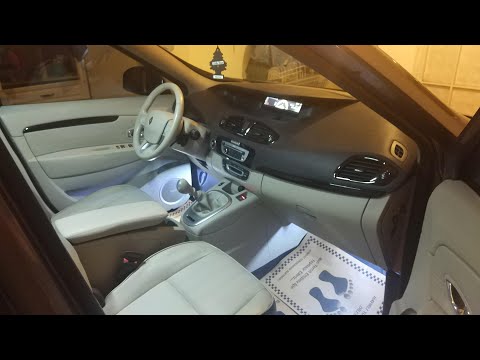
Renault Scenic
(2009-2015 /
Scenic 3, MK 3, MK III, Scenic III)
In this brief guide, follow the instructions to remove and replace the driver's seat of the Renault Scenic. First, open the driver's front door and s…

Renault Scenic
(2009-2015 /
Scenic 3, MK 3, MK III, Scenic III)
The cars produced in recent years are equipped with many electronic sensors that offer assistance to the driver, including tire sensors, ready to sig…
Renault Scenic
(2009-2015 /
Scenic 3, MK 3, MK III, Scenic III)
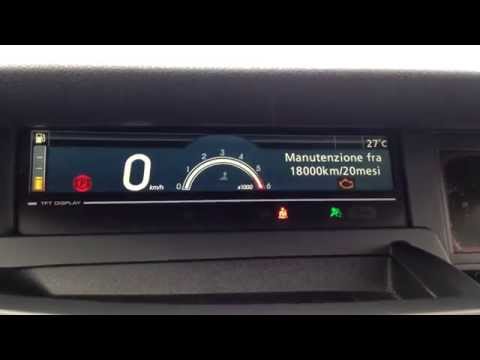
Before you can start, ensure that the service has been performed, then sit in the driver's seat of your Renault Scenic. Begin by activating the instr…
Other guides you may be interested in
|
Frequently Asked QuestionsHow to Adjust the Brightness of the Instrument Cluster on a Peugeot 3008?
To adjust the brightness of the instrument cluster on a Peugeot 3008, you need to turn on the ignition and access the settings via the menu located in the central area of the dashboard. In the screen that appears, select the "Display Configuration" option: now, by selecting the "Brightness" option, you can adjust it using the dedicated slider that will appear on the screen. The adjustment should be made with the headlights on as well as with them off. Once the adjustment is complete, you can turn off the instrument cluster. by ScegliAuto More videos
|
|
For advertising on this site Write to info@scegliauto.com
ScegliAuto is not responsible for any inaccuracy of the data in the lists. To report any inaccuracy or your business (if you own the business in question), please write to info@scegliauto.com
Number of seconds to generate the page: 0.118
(c) ScegliAuto 2026 - info@scegliauto.com - Privacy policy VAT number: IT01247470535 |
