
|
Do it yourself
| |||
| ||||


Initialising the On-Board Computer
Model: Renault Clio
MK 3, Clio 3, Clio III
- Years 2005-2013
The video shows how to initialise the indication on the on-board computer regarding periodic servicing. Turn on the ignition, scroll through the on-board computer indications until you reach the one related to the scheduled maintenance service to keep the warranty active and the vehicle in perfect working order. Perform the reset by holding down the button indicated in the video, turn off the ignition, and then turn it back on to verify that the reset has been completed. This procedure is valid exclusively for the Renault Clio 1.4 petrol, as it often varies depending on the car being serviced.
Updated on 3 February 2026 by ScegliAuto
Video tutorial
Related tutorials
Renault Clio
(2012-2019 /
MK 4, Clio 4, Clio IV)
.. In order to reset the on-board computer of the Renault Clio, you need to turn on the instrument panel so that you can navigate.. …
Renault Clio
(2012-2019 /
MK 4, Clio 4, Clio IV)
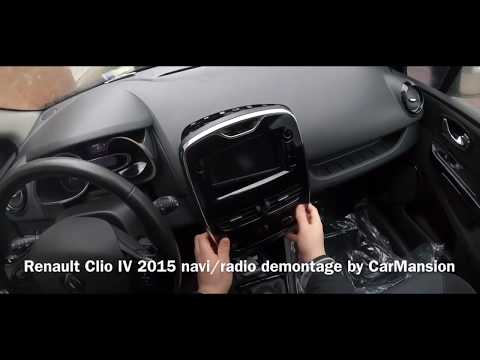
.. we will see how to disassemble the Medianav on-board computer of a Renault Clio, but also of other Renault and Dacia models. First we get inside the.. …
Renault Clio
(2012-2019 /
MK 4, Clio 4, Clio IV)
.. How do you remove the on-board computer from your Renault Clio? Follow this video for the correct disassembly procedure: with.. …
Other guides you may be interested in |
Frequently Asked QuestionsHow to Replace the Front Headlamp Bulbs on a Mazda 3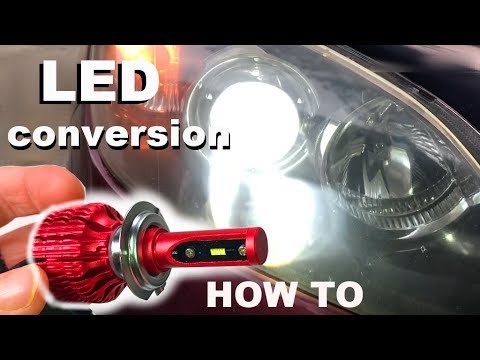
Learn how to replace the front headlamp bulbs on a Mazda 3 with LED bulbs: open the bonnet (pull the lever located at the bottom right of the dashboard), and secure it with the prop rod. Locate the inspection cap of the headlamp (located at the rear of the headlamp) and remove it. At this point, you will find the bulbs with metal clips; pull the bulb holders out of the headlamp and extract the bulbs using a screwdriver. Install the new LED bulbs (ensuring the type and size are correct) and insert the bulb holder back into the headlamp housing. Refit all previously removed parts. by ScegliAuto More videos
|

|
For advertising on this site Write to info@scegliauto.com
ScegliAuto is not responsible for any inaccuracy of the data in the lists. To report any inaccuracy or your business (if you own the business in question), please write to info@scegliauto.com
Number of seconds to generate the page: 0.053
(c) ScegliAuto 2026 - info@scegliauto.com - Privacy policy VAT number: IT01247470535 |
