
|
Do it yourself
| |||
| ||||


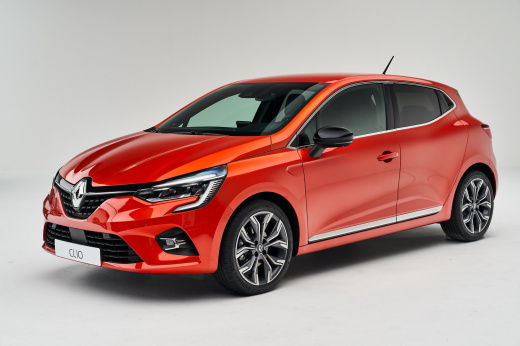
How to reset the service indicator light on the Renault Clio
Model: Renault Clio
Clio V, Clio 5
- Years:
2019, 2020, 2021, 2022, 2023, 2024, 2025, 2026
Video tutorial
After replacing the engine oil and performing the regular maintenance service, it is necessary to reset the service light; let's see the procedure on the Renault Clio. First of all, we get into the car and start the instrument panel; then we go to the regular maintenance section using the arrow controls located on the steering wheel, as shown in the video. At this point, simply press and hold the down arrow button until the service light starts flashing until it resets completely, resetting the mileage before the next service!
Posted on 14 March 2025 by ScegliAuto
Related tutorials
Renault Clio
(2019-2026 /
Clio V, Clio 5)
In today’s article, let’s see how to reset the service light on the 2020 Renault Clio 5. No tools or software are needed for this operation. It is ad…
Renault Clio
(2005-2013 /
Clio 3, MK 3, Clio III)
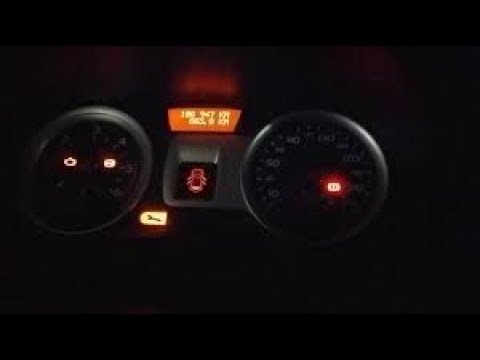
In this guide, you will learn how to reset the service indicator light on a Renault Clio 3. First, sit in the driver's seat, put the gear in neutral,…

Renault Clio
(2005-2013 /
Clio 3, MK 3, Clio III)
In this tutorial, we will see how to reset the service indicator on the Renault Clio, a very simple and quick operation to perform only after complet…
Other guides you may be interested in
|
How to Set the Time on an Audi A6
Briefly, we will see the instructions to set the time on the Audi A6 by following these simple steps. First, get inside the vehicle and turn on the instrument cluster; then press the settings button and navigate to the time option to confirm your choice, as shown in the video. At this point, set the correct time and format, then exit the settings menu to save the changes made; finally, start the engine and ensure that the time has been set correctly! by ScegliAuto More videos
|
|
For advertising on this site Write to info@scegliauto.com
ScegliAuto is not responsible for any inaccuracy of the data in the lists. To report any inaccuracy or your business (if you own the business in question), please write to info@scegliauto.com
Number of seconds to generate the page: 0.056
(c) ScegliAuto 2026 - info@scegliauto.com - Privacy policy VAT number: IT01247470535 |
