
|
Do it yourself
| |||
| ||||


How do you deactivate the Start&Stop of the Renault Captur?
Model: Renault Captur
MK 2
- Years 2019-2026
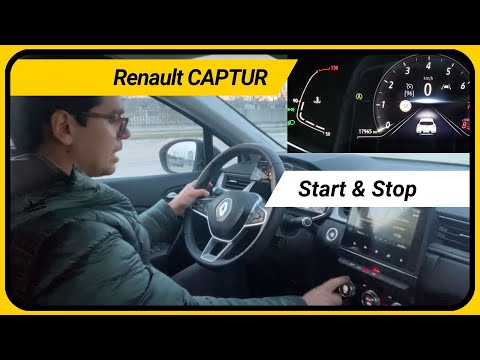
It will be possible to deactivate the Start&Stop system of the Renault Captur by turning on the instrument panel, after the ignition key has been inserted into the corresponding slot: once the panel has been turned on, it will be possible to press the button with the letter A inside a circular arrow located on the central dashboard panel. At this point, it will be noticed that the indicator light signaling the deactivation of the system will appear on the instrument panel: this can still be reactivated by pressing the button again or by turning off and restarting the engine.
Posted on 3 May 2025 by ScegliAuto
Video tutorial
Related tutorials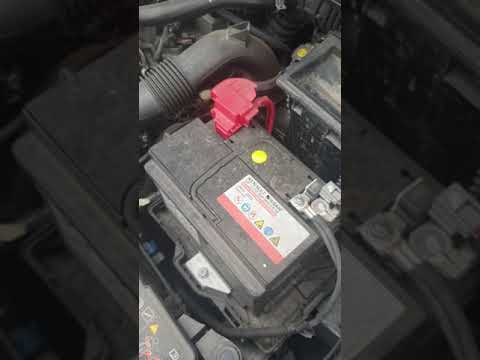
Renault Captur
(2013-2019 /
MK 1)
To be able to permanently deactivate the Start & Stop system of the Renault Captur, you have to press the appropriate button located on the dashboard…

Renault Captur
(2019-2026 /
MK 2)
In order to deactivate the Start&Stop system of the Renault Captur, you need to insert the ignition key into the slot, so that you can turn it to sta…
Renault Captur
(2019-2026 /
MK 2)
In this video tutorial you can see how Start and Stop can be put into operation in the Renault Captur, following a few simple steps. The Start and St…
Other guides you may be interested in
|
Frequently Asked QuestionsHow to Remove the Right Door Panel on a Renault Clio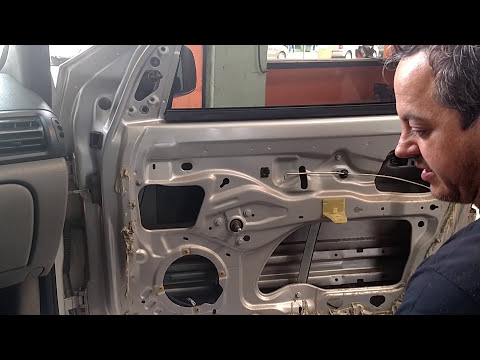
In this video, we will see how to remove the passenger side door panel on a Renault Clio. To start, unscrew the securing screws on the side of the door panel with a screwdriver. Pry around the internal handle of the door with a lever and remove it along with the speaker grille. Unscrew the securing screws located in the handle and remove all the plastics on the panel. Use a lever to detach the panel from the door and disconnect any power cables. Once the panel is free from obstacles, pull it away with your hands. by ScegliAuto More videos
|
|
For advertising on this site Write to info@scegliauto.com
ScegliAuto is not responsible for any inaccuracy of the data in the lists. To report any inaccuracy or your business (if you own the business in question), please write to info@scegliauto.com
Number of seconds to generate the page: 0.114
(c) ScegliAuto 2026 - info@scegliauto.com - Privacy policy VAT number: IT01247470535 |
