
|
Do it yourself
| |||
| ||||


How to Reset the Service Light on a 2020 Renault Captur
Model: Renault Captur
MK 2
- Years 2019-2026
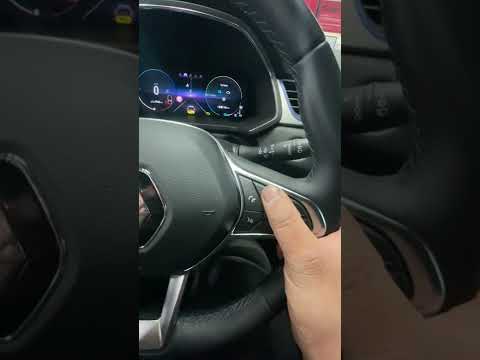
Resetting the service reminder on a 2020 Renault Captur is quick and easy, managed through the controls inside the car. Here’s how: after turning on the instrument panel, scroll through the options in the Settings using the directional buttons on the right side of the steering wheel until you reach the service option. Once there, press and hold the OK button, also located on the aforementioned steering wheel, until the alert is cleared. After completing the operation, simply turn off the instrument panel.
Posted on 10 March 2026 by ScegliAuto
Video tutorial
Related tutorials
Renault Captur
(2019-2026 /
MK 2)
This video shows the entire operation to perform routine and scheduled maintenance on the 2022 Renault Captur. The engine oil, oil filter, and air fi…
Renault Captur
(2019-2026 /
MK 2)
If you want to manually clear the service light that comes on every time you start your 2020 Renault Captur, follow these instructions carefully. Fir…

Renault Captur
(2019-2026 /
MK 2)
To reset the service light on a 2023 Renault Captur, turn on the ignition. On the onboard computer (display between the speedometer and rev counter),…
Other guides you may be interested in
|
How to Access the Spare Wheel of the Fiat Doblo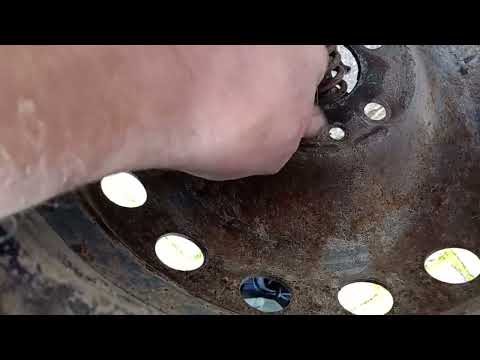
The Fiat Doblo comes with the spare wheel located on the underside of the vehicle. This guide explains how to access the spare wheel in case you need to use it. To access the spare wheel, open the boot of the vehicle and insert the metal tube into the designated hole near the lock. Using a torque wrench, turn the tube/key until you feel the release of the wheel from the ground, disconnect the wire, and take the wheel to place it in the housing. To facilitate removal, lift the vehicle with a jack. by ScegliAuto More videos
|
|
For advertising on this site Write to info@scegliauto.com
ScegliAuto is not responsible for any inaccuracy of the data in the lists. To report any inaccuracy or your business (if you own the business in question), please write to info@scegliauto.com
Number of seconds to generate the page: 0.079
(c) ScegliAuto 2026 - info@scegliauto.com - Privacy policy VAT number: IT01247470535 |
