
|
Do it yourself
| |||
| ||||


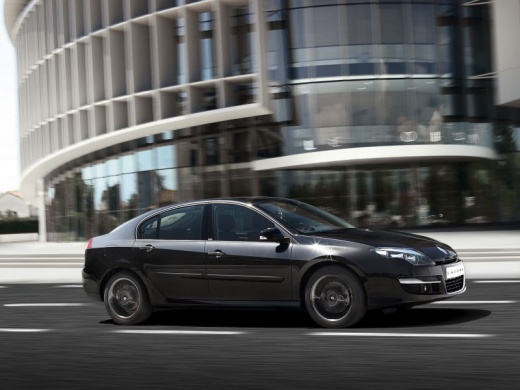
How to Reset the Service Light on a Renault Laguna
Model: Renault Laguna
Laguna 3, MK III, MK 3, X91, Laguna III
- Years:
2007, 2008, 2009, 2010, 2011, 2012, 2013, 2014, 2015
Video tutorial
To reset the Service light on a Renault Laguna, insert the card and turn on the ignition without starting the engine. Use the arrow buttons located at the end of the right steering column to scroll through the information on the display until you see the maintenance and remaining kilometres until the next service. Press and hold the down arrow button for about 10 seconds until the maintenance interval value flashes and updates. On some versions, you need to keep the button pressed until the new interval appears. Release the button, turn off the ignition, and turn it back on to check that the reset has been completed. Perform the reset only after completing the required maintenance.
Posted on 13 October 2026 by ScegliAuto
Related tutorials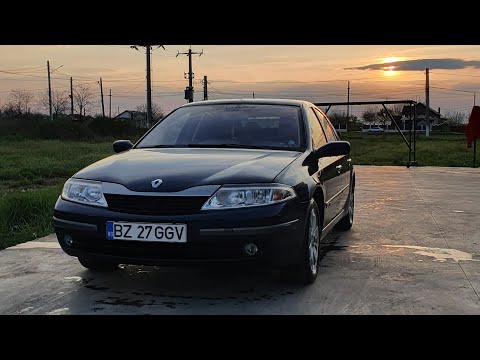
Renault Laguna
(2001-2007 /
X74, Laguna 2, MK 2)
In today’s video, we will see the steps that will allow us to reset the service light for the regular maintenance oil change on the second generation…

Renault Laguna
(2001-2007 /
X74, Laguna 2, MK 2)
To reset the Service light on a Renault Laguna, insert the ignition key into the ignition barrel and then press the button to turn on the instrument …

Renault Laguna
(2001-2007 /
X74, Laguna 2, MK 2)
The steps to reset the service light on a 2002 Renault Laguna are simple and quick to do independently. The first step is to insert the key into the …
Other guides you may be interested in
|
How to Set the Date and Time on the Iveco Daily
Today, we will see in this video tutorial how to change the date and time on the Iveco Daily. First, get into the vehicle and turn on the instrument panel; then go to the vehicle settings on the central display, pressing the relevant option for date and time. At this point, press the "set" button located at the top, using the physical arrow buttons to set both the date and time; finally, exit the onboard computer menu to save the changes made! by ScegliAuto More videos
|
|
For advertising on this site Write to info@scegliauto.com
ScegliAuto is not responsible for any inaccuracy of the data in the lists. To report any inaccuracy or your business (if you own the business in question), please write to info@scegliauto.com
Number of seconds to generate the page: 0.139
(c) ScegliAuto 2026 - info@scegliauto.com - Privacy policy VAT number: IT01247470535 |
