
|
Do it yourself
| |||
| ||||


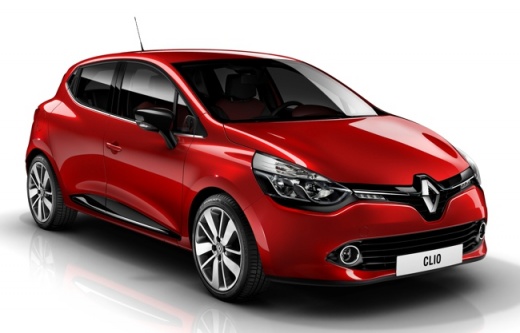
How to Reset the Service Light on a Renault Clio
Model: Renault Clio
- Years:
2012, 2013, 2014, 2015, 2016, 2017, 2018, 2019
Video tutorial
To reset the service light on a Renault Clio, use the controls on the steering wheel or the right stalk, depending on the model. First, turn on the instrument panel (without starting the engine). Use the navigation buttons to scroll until you see the "Service" option on the dashboard display. Once on the service screen, press and hold the lower button (or the OK button) until the display shows the reset screen. Release the button, then press it again and hold it until the value starts to flash. At that point, the system will ask for confirmation: select "Service Reset" and confirm. The counter will reset and the service light will turn off. The procedure takes a few seconds. On some models (e.g., Clio IV), the sequence may vary slightly: hold the button on the dashboard until the "Service" option appears, then confirm with the BC button on the wiper stalk. If the reset does not work, a diagnostic tool may be required.
Posted on 13 October 2026 by ScegliAuto
Related tutorials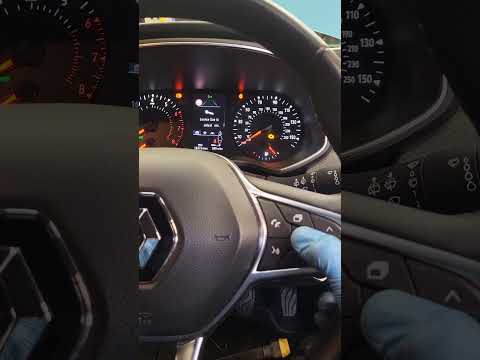
Renault Clio
(2019-2026 /
Clio 5, Clio V)
Good morning, today’s goal is to reset the "Service" light on your Renault Clio. Turn on the instrument panel by pressing the power button. Next, usi…

Renault Clio
(2019-2026 /
Clio 5, Clio V)
.. Let’s see how to reset the service light on a Renault Clio V: turn on the ignition without starting the engine a.. …
Renault Clio
(2012-2019 /
Clio 4, MK 4, Clio IV)
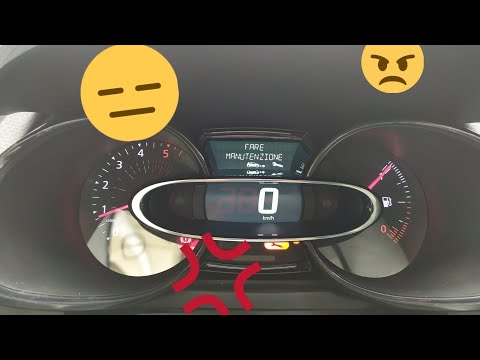
Before you begin, sit in the driver's seat of your Renault Clio. Start by activating the instrument panel. Next, select the "Service Interval" option…
Other guides you may be interested in
|
How to Change the Time on the Peugeot 208
Today's guide will show you how to set the clock on the Peugeot 208's onboard computer, following the instructions below. First, get in the car and turn on the instrument panel; then press and hold the settings button on the panel for a few seconds until the time starts to flash, as shown in the video. At this point, press the left button to correctly set the time, adjusting the hour first and then the minutes; exit the onboard computer menu to save all the changes made! by ScegliAuto More videos
|
|
For advertising on this site Write to info@scegliauto.com
ScegliAuto is not responsible for any inaccuracy of the data in the lists. To report any inaccuracy or your business (if you own the business in question), please write to info@scegliauto.com
Number of seconds to generate the page: 0.031
(c) ScegliAuto 2026 - info@scegliauto.com - Privacy policy VAT number: IT01247470535 |
