
|
Do it yourself
| |||
| ||||


Reactivating Dacia/Renault Medianav Radio
Model: Renault Clio
Clio IV, MK 4, Clio 4
- Years 2012-2019
In today's video, you'll see how to retrieve the code for the Medianav radio on Renault and Dacia models, specifically a Renault Clio. To find the code, you'll need to pull out the radio: remove the trim and extract the radio, as shown in the video. You'll find a code on the back that you will enter into a smartphone application to recover the radio code. Enter the requested code and check that your radio has indeed been unlocked! If not, contact an authorised workshop.
Updated on 27 March 2026 by ScegliAuto
Video tutorial
Related tutorials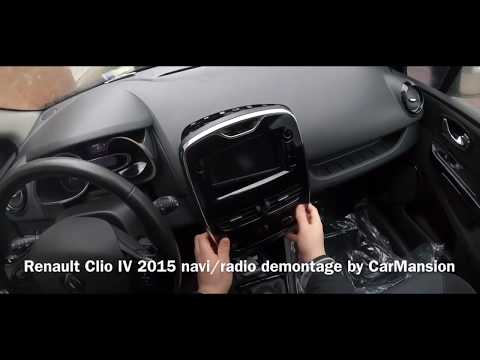
Renault Clio
(2012-2019 /
Clio IV, MK 4, Clio 4)
In today's tutorial video, we will see how to disassemble the Medianav onboard computer of a Renault Clio, as well as other Renault and Dacia models.…
Renault Clio
(2012-2019 /
Clio IV, MK 4, Clio 4)
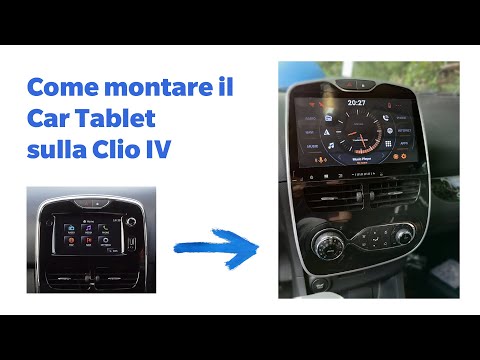
In this video, we will see how to remove the original Medianav radio from a fourth series Renault Clio, in order to install a new multimedia system. …
Renault Clio
(2012-2019 /
Clio IV, MK 4, Clio 4)
In this short video, we will see how to remove the Medianav radio screen on the fourth-generation Renault Clio, as well as on the Renault Captur and …
Other guides you may be interested in |
How to Bleed the Clutch on a Renault Clio?
To bleed the clutch on a Renault Clio, open the bonnet to access the components located in the engine bay: here, you will need to undo the screws that secure the battery in its housing, the intake manifold, and the coolant reservoir. This will allow you to locate the pipe through which the brake fluid flows: by inserting the other end of the pipe into a container, you can press the clutch pedal to expel all the fluid until it fills the container. by ScegliAuto More videos
|
|
For advertising on this site Write to info@scegliauto.com
ScegliAuto is not responsible for any inaccuracy of the data in the lists. To report any inaccuracy or your business (if you own the business in question), please write to info@scegliauto.com
Number of seconds to generate the page: 0.353
(c) ScegliAuto 2026 - info@scegliauto.com - Privacy policy VAT number: IT01247470535 |
