
|
Do it yourself
| |||
| ||||


How to Replace the Stereo/Radio on Renault Clio 2
Model: Renault Clio
MK 2, Clio 2
- Years:
1998, 1999, 2000, 2001, 2002, 2003, 2004, 2005
Video tutorial
In this video, see how to remove and replace the original radio with one compatible with AUX or USB on a second-generation Renault Clio, following these brief instructions. First, get inside the vehicle and use the appropriate tools to remove the original radio by pushing firmly. Then, disconnect the power connector and the antenna cable to remove it completely. Now, install the new radio; insert the mounting base and make the necessary modifications. Follow the video to the end!
Updated on 5 April 2026 by ScegliAuto
Related tutorials
Renault Clio
(2012-2019 /
Clio IV, Clio 4, MK 4)
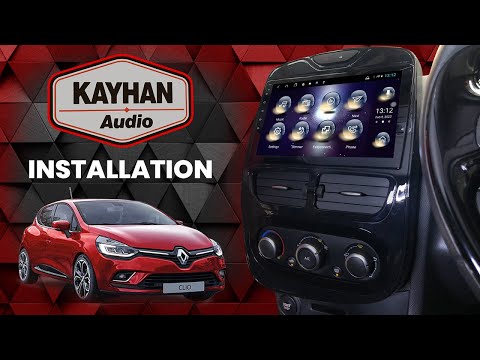
Briefly review the instructions to remove and replace the radio and multimedia system in the Renault Clio. First, get inside the vehicle and start by…
Renault Clio
(2005-2013 /
Clio 3, MK 3, Clio III)
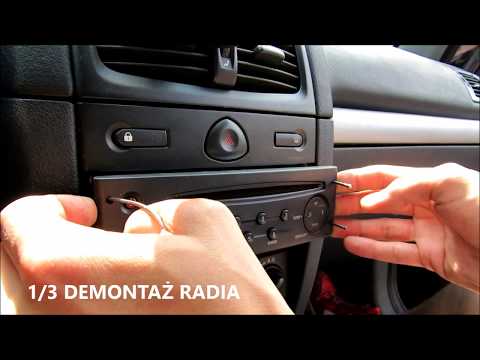
Need to remove the radio from a Renault Clio? Here's how to take it out from the centre console. Insert the release keys into the holes on the plasti…
Renault Clio
(2012-2019 /
Clio IV, Clio 4, MK 4)
In this video, learn how to remove and replace the original radio from the fourth series Renault Clio by following these simple steps. First, get ins…
Other guides you may be interested in |
How to Reset the Tyre Pressure Warning Light on the Jeep Renegade?
To reset the tyre pressure warning light on the Jeep Renegade, inflate the tyres until they reach the recommended pressure: this value is indicated on the sticker attached to the driver’s door pillar. Once the tyres are properly inflated, navigate through the menu that appears on the instrument cluster until you find the tyre pressure option. At this point, press and hold the OK button on the right side of the steering wheel to make the warning light disappear. by ScegliAuto More videos
|
|
For advertising on this site Write to info@scegliauto.com
ScegliAuto is not responsible for any inaccuracy of the data in the lists. To report any inaccuracy or your business (if you own the business in question), please write to info@scegliauto.com
Number of seconds to generate the page: 0.011
(c) ScegliAuto 2026 - info@scegliauto.com - Privacy policy VAT number: IT01247470535 |
