
|
Do it yourself
| |||
| ||||


Removing the rear light and replacing the bulbs on the Renault Clio 3
Model: Renault Clio
MK 3, Clio 3, Clio III
- Years 2005-2013
Let's see in this guide how to remove the rear light and replace the bulbs on the Renault Clio third series, following these simple steps. First we open the rear door and start by unscrewing the fixing screws that we find on the side of the light; after which we remove the rear light, disconnecting the electrical connector of the bulbs, as shown in the video. At this point we remove the cover of the lights to access it; then we remove and replace the bulbs with new ones, of the right type. Let's insert them correctly on the lamp holder and reassemble everything!
Posted on 6 October 2021 by ScegliAuto
Video tutorial
Related tutorials
Renault Clio
(2012-2019 /
MK 4, Clio 4, Clio IV)
Below we will see the instructions on how to disassemble and replace the bulbs of the rear headlight of the Renault Clio. First, we open the rear tai…
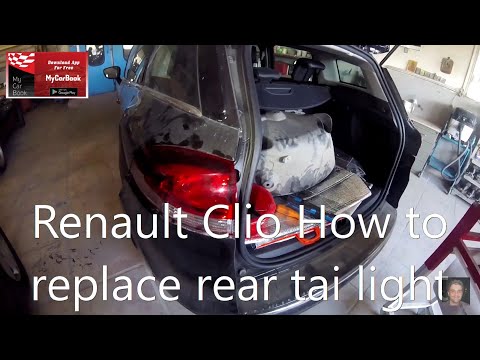
Renault Clio
(2005-2013 /
MK 3, Clio 3, Clio III)
Replacing burnt out rear light bulbs on a Renault Clio? Let's see how they change. We lift the rear hood and put it in safety with the rod. We find t…
Renault Clio
(2012-2019 /
MK 4, Clio 4, Clio IV)
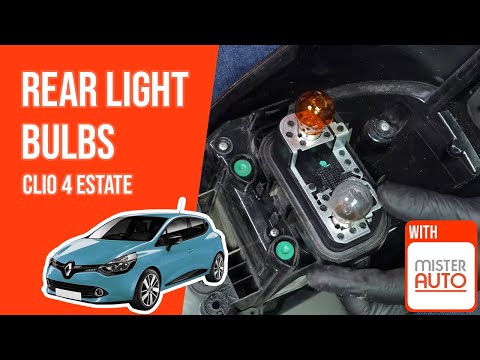
Let's see in this video how to remove and replace the rear light bulbs on the Renault Clio fourth series, following these simple steps. First of all,…
Other guides you may be interested in |
How to Replace the Window Switch Button on a Mercedes C-Class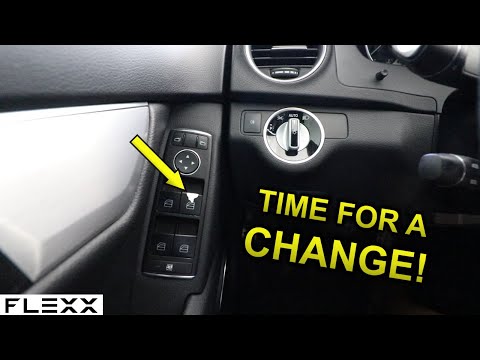
How do you remove the window switch button located in the driver side door panel of a Mercedes C-Class? This video explains how to proceed. Before starting the disassembly, disconnect the battery terminals in the engine compartment (if you need to disconnect electrical connectors). Use a plastic trim tool to pry between the button and the plastic of the switch panel. Once you have removed the button from the switch panel, install the new button inside (push and lock it into the designated plastic). Test the button to ensure it functions correctly. by ScegliAuto More videos
|

|
For advertising on this site Write to info@scegliauto.com
ScegliAuto is not responsible for any inaccuracy of the data in the lists. To report any inaccuracy or your business (if you own the business in question), please write to info@scegliauto.com
Number of seconds to generate the page: 0.050
(c) ScegliAuto 2026 - info@scegliauto.com - Privacy policy VAT number: IT01247470535 |
