
|
Do it yourself
| |||
| ||||


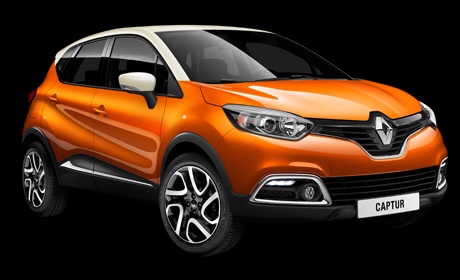
How to Replace the Key Card Remote Battery on the Renault Captur
Model: Renault Captur
MK 1
- Years:
2013, 2014, 2015, 2016, 2017, 2018, 2019
Video tutorial
This guide shows how to replace the battery in the key card remote. First, press the grey button on the side of the device to release the physical key. Using a flathead screwdriver, apply slight pressure on the battery compartment cover, allowing you to remove the old battery from its housing. At this point, insert the new battery (model CR2032) and reverse the steps to close the remote. The battery replacement process is now complete. The tools needed for this operation are: - Flathead screwdriver; - New CR2032 battery.
Updated on 1 May 2026 by ScegliAuto
Related tutorials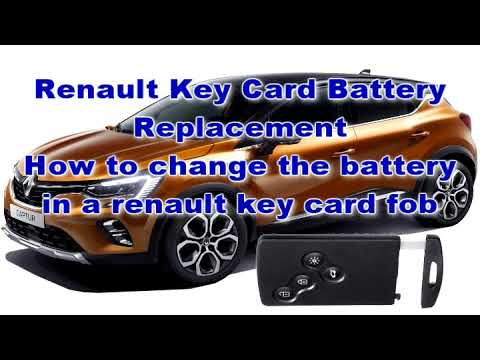
Renault Captur
(2013-2019 /
MK 1)
To replace the battery of the key card for the Renault Captur, press the button located on the side of the device to remove the plastic cover from th…
Renault Captur
(2013-2019 /
MK 1)
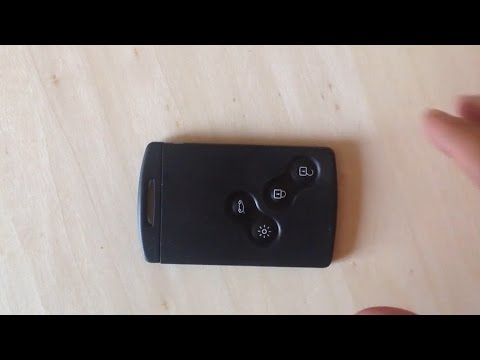
Watch this illustrative video on how to replace the discharged key remote battery on a Renault Captur: take your remote and press the button to relea…

Renault Captur
(2013-2019 /
MK 1)
When the key for your first-generation Renault Captur suddenly stops working, it is likely that the battery inside has completely discharged. In this…
Other guides you may be interested in
|
How to Reset the Tyre Pressure Warning Light on a Kia Rio?
The tyre pressure warning light displayed on the instrument cluster of the Kia Rio can be reset by inflating the tyres until they reach the recommended pressure value: this value is indicated on the sticker affixed to the driver's door pillar. Once all tyres have been inflated to the recommended pressure, turn on the ignition to check that the light has disappeared: if it is still present, it may be necessary to drive for a few miles, allowing the sensors to work and thus turning off the light. by ScegliAuto More videos
|
|
For advertising on this site Write to info@scegliauto.com
ScegliAuto is not responsible for any inaccuracy of the data in the lists. To report any inaccuracy or your business (if you own the business in question), please write to info@scegliauto.com
Number of seconds to generate the page: 0.120
(c) ScegliAuto 2026 - info@scegliauto.com - Privacy policy VAT number: IT01247470535 |
