
|
Do it yourself
| |||
| ||||


How to reset the service in the Renault Modus?
Model: Renault Modus
MK 1
- Years 2004-2013
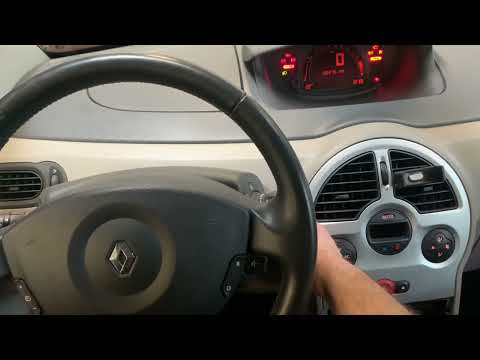
In the Renault Modus, after all the maintenance work has been completed, the relevant warning light on the dashboard must be reset manually. In this tutorial we can see how to proceed. Let's start by inserting the key and turning on the instrument panel, then scroll through the various screens on the display using the up arrow key, located at the end of the wiper control lever. Once you have reached the maintenance screen, keep the down arrow key pressed for about 10 seconds, or in any case for the time necessary to display the default interval. Finally, let's restart the picture.
Posted on 19 March 2022 by ScegliAuto
Video tutorial
Related tutorials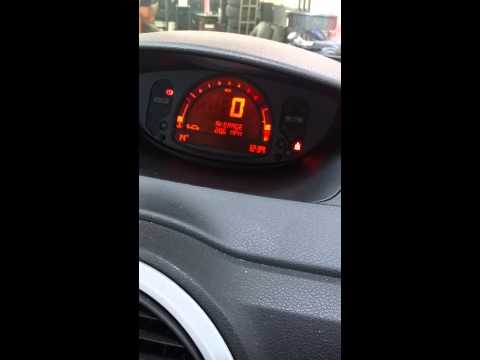
Renault Modus
(2004-2013 /
MK 1)
As we can see in this tutorial, resetting the service in the Renault Modus is an extremely simple and fast operation. Before doing this, we will need…

Renault Modus
(2004-2013 /
MK 1)
Today's step-by-step instructions will allow us to reset the service light for the regular maintenance of the engine oil change on the Renault Modus.…
Renault Modus
(2004-2013 /
MK 1)
Resetting the oil service in the Renault Modus, as we can see in this tutorial, is an extremely simple and fast operation. Before proceeding, make su…
Other guides you may be interested in
|
How to Refill the Coolant of a BMW 3 Series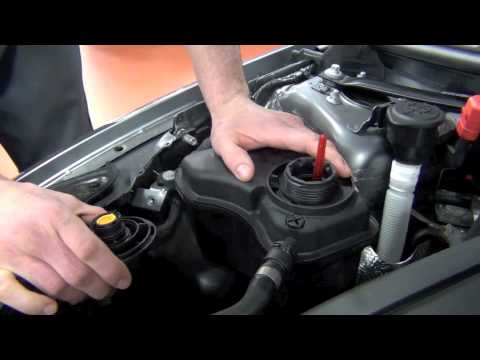
Learn how to refill the coolant reservoir of a BMW 3 Series yourself to save on labor costs. First, pull the plastic lever located at the bottom left of the dashboard, lift the hood, and secure it with the metal prop rod. Next, locate the cap for the windshield washer fluid or radiator (remove it). Use a funnel to refill the windshield washer fluid and close the reservoir cap. Close the hood after maintenance. Test the proper functioning of the maintenance performed by starting the engine. by ScegliAuto More videos
|
|
For advertising on this site Write to info@scegliauto.com
ScegliAuto is not responsible for any inaccuracy of the data in the lists. To report any inaccuracy or your business (if you own the business in question), please write to info@scegliauto.com
Number of seconds to generate the page: 0.096
(c) ScegliAuto 2026 - info@scegliauto.com - Privacy policy VAT number: IT01247470535 |
