
|
Do it yourself
| |||
| ||||


Brake Fluid Replacement Instructions
Model: Renault Clio
Clio 2, MK 2
- Years 1998-2005
Firstly, it can be useful to periodically replace the brake fluid, which over time, due to thermal cycles, may deteriorate. Obtain a vacuum pump to extract the fluid first from the reservoir and then from the braking system through the appropriate bleed screws located at the brake calipers. Once the reservoir is emptied, fill it with new fluid and connect the vacuum pump to the bleed screw on one of the brake calipers. Open the bleed screw and wait for clean fluid to flow out; repeat the same operation on all four wheels, continuing to fill the reservoir with new fluid.
Updated on 12 February 2026 by ScegliAuto
Video tutorial
Related tutorials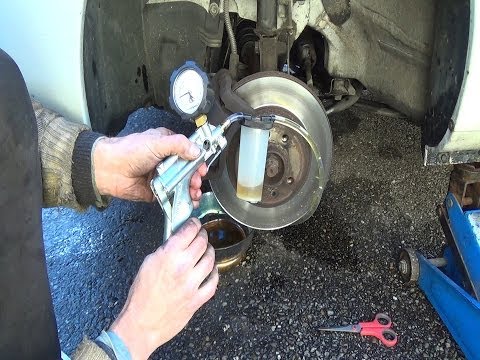
Renault Clio
(1998-2005 /
Clio 2, MK 2)
Assemble the vacuum pumping system, open the bonnet, and disconnect the connector from the brake fluid reservoir. Now, using the vacuum pump, extract…
Renault Clio
(1998-2005 /
Clio 2, MK 2)
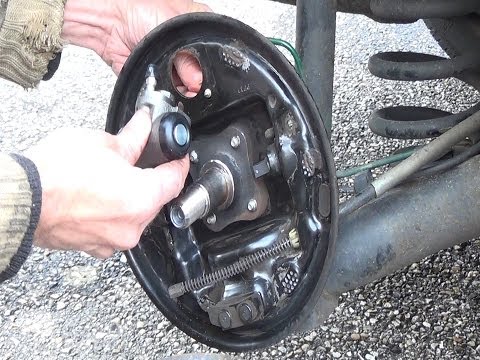
Loosen the wheel retaining bolts before lifting the vehicle and placing it on suitable axle stands, engaging first gear and releasing the handbrake; …
Renault Clio
(1998-2005 /
Clio 2, MK 2)
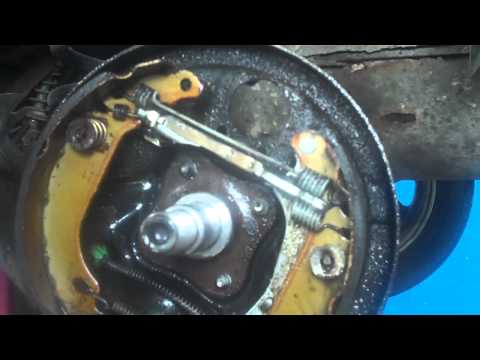
This video shows how to replace the cylinder located above the brake drum of a Renault Clio. After removing the affected wheel, use a ratchet to remo…
Other guides you may be interested in
|
Removing the Door Panel on Ypsilon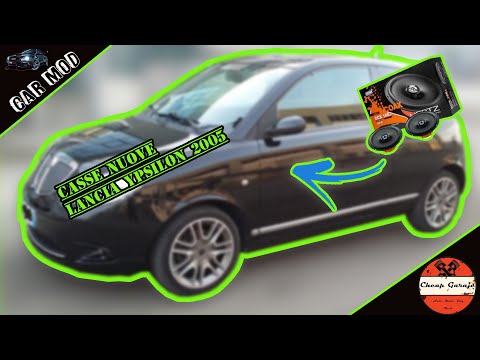
Remove the door panel of the Lancia Ypsilon to access the speaker? Follow this guide to see how to do it. Unscrew all the securing screws located inside the cover panel. Disconnect the securing clips. Finally, pull the panel away with your hands and detach it from the door (disconnect the power wiring and the opening cable). Remove the speaker from inside the door. Refit the panel onto the car door and screw in the screws. Don't forget to reconnect the power terminals behind the panel before refitting it. Test the operation of the newly installed speaker. by ScegliAuto More videos
|
|
For advertising on this site Write to info@scegliauto.com
ScegliAuto is not responsible for any inaccuracy of the data in the lists. To report any inaccuracy or your business (if you own the business in question), please write to info@scegliauto.com
Number of seconds to generate the page: 0.063
(c) ScegliAuto 2026 - info@scegliauto.com - Privacy policy VAT number: IT01247470535 |
