
|
Do it yourself
| |||
| ||||


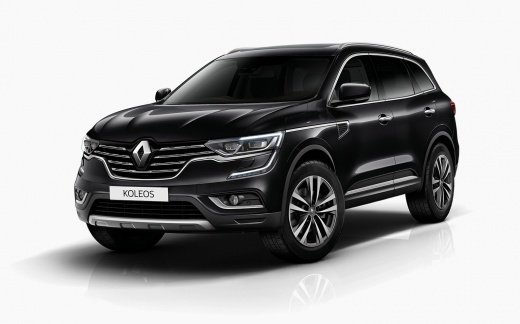
How to reset the service in Renault Koleos?
Model: Renault Koleos
MK 2
- Years 2016-2024
In this tutorial we can see how to reset the service in the Renault Koleos, an extremely simple and fast operation. Before proceeding, make sure you have completed all required scheduled maintenance work. We start by inserting the key and turning on the instrument panel, then scroll through the various display screens using the arrow keys located on the right-hand side of the steering wheel. Once you have reached the service screen, hold down the "OK" button once to initialize the reset, and a second time to complete it. Finally, we restart the vehicle.
Posted on 22 February 2023 by ScegliAuto
Video tutorial
Related tutorials
Renault Koleos
(2016-2024 /
MK 2)
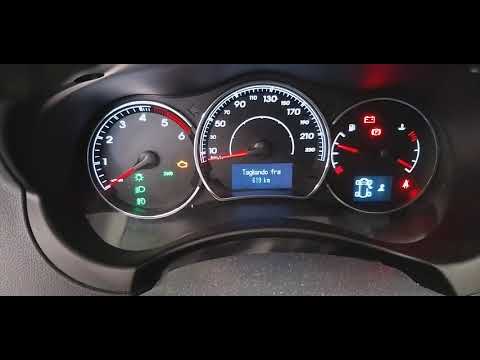
In this tutorial we can see how to reset the service in the Renault Koleos, an extremely simple and quick operation, to be carried out only once all …
Renault Koleos
(2008-2015 /
MK 1)
In this tutorial, we can see how to reset the service on the Renault Koleos, an extremely simple and fast operation. Before doing this, we need to ha…
Renault Koleos
(2016-2024 /
MK 2)
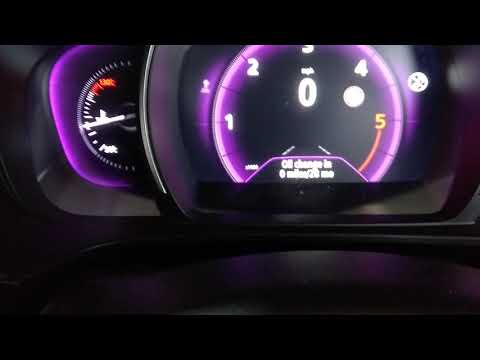
In this tutorial we can see how to reset the service in the Renault Koleos, a very simple operation, to be carried out only after completing all the …
Other guides you may be interested in
|
How to Replace the Radio in a Ford Focus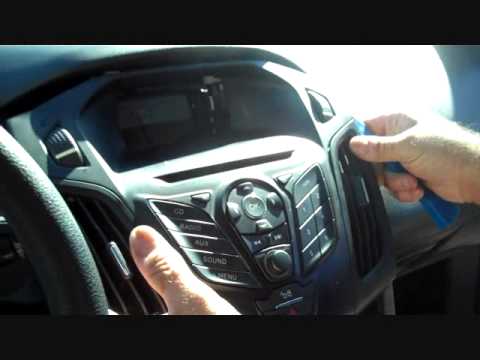
First, engage the handbrake and put the car in a low gear to prevent it from rolling during the replacement. Next, lift the bonnet to disconnect the battery cables and protect the electronic components. Unscrew the two screws located under the front panel of the stereo. Use a plastic lever to lift the bottom of the stereo. Disconnect the connector at the bottom and also remove the stereo lock at the back. Now, install the new stereo following the guides from the old one. by ScegliAuto More videos
|
|
For advertising on this site Write to info@scegliauto.com
ScegliAuto is not responsible for any inaccuracy of the data in the lists. To report any inaccuracy or your business (if you own the business in question), please write to info@scegliauto.com
Number of seconds to generate the page: 0.125
(c) ScegliAuto 2026 - info@scegliauto.com - Privacy policy VAT number: IT01247470535 |
