
|
Do it yourself
| |||
| ||||


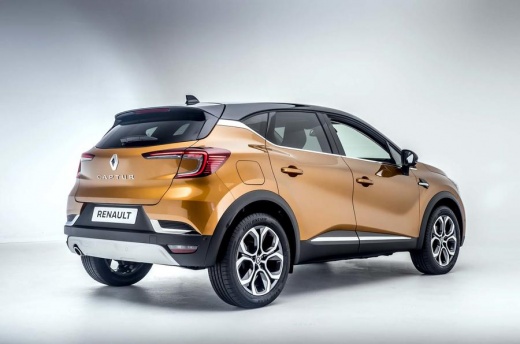
How to Retrieve the Code from the Media Nav on a Renault Captur
Model: Renault Captur
MK 2
- Years:
2019, 2020, 2021, 2022, 2023, 2024, 2025, 2026
This video is currently unavailable
To find the code for the Media Nav on a Renault Captur, follow these instructions. With the engine off, remove the outer mask of the media nav. It is held in place by clips, so it should be easy to remove by applying pressure with your fingers. Once the mask is off, unscrew and pull out the media nav without disconnecting the plugs, as you only need to see the code at the bottom, under the barcode. The last 4 digits are of interest, consisting of one letter followed by three numbers, which you should note down. Now, put everything back together. Next, download the application suggested by the YouTuber (as it has been verified by them and is fully functional) called "Renault Radio Code". Enter the code you noted down and click on "Calculator Code". This will generate a radio code that, once entered, will unlock your radio.
Updated on 28 July 2026 by ScegliAuto
Related tutorials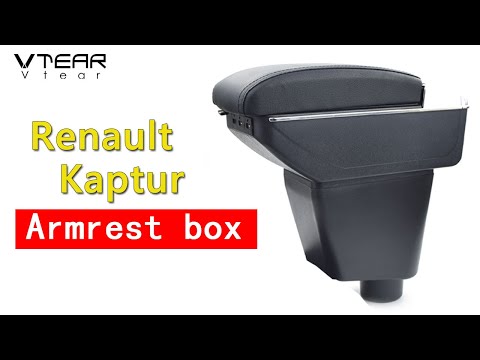
Renault Captur
(2013-2019 /
MK 1)
Learn how to install this compatible armrest for the Renault Captur with ease. All mounting accessories are included in the package. If you want to t…
Renault Captur
(2013-2019 /
MK 1)
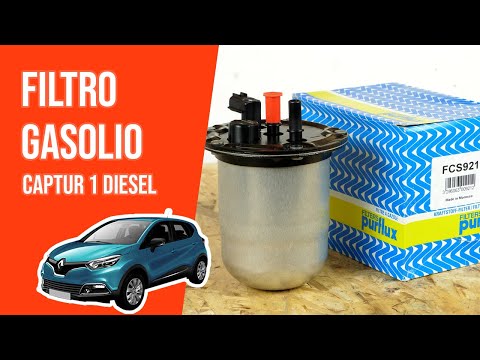
In this video, you will learn how to replace the diesel filter on a Renault Captur. First, ensure that the engine is off and the handbrake is engaged…

Renault Captur
(2013-2019 /
MK 1)
To easily find the OBD port inside the cabin of your first-generation Renault Captur (2014), follow the procedure described in this guide. First, get…
Other guides you may be interested in
|
Frequently Asked QuestionsHow to Open the Fuel Filler Flap in the Hyundai i30?
In this tutorial, you will learn how to open the fuel filler flap in the Hyundai i30, a very simple operation that follows the typical procedure of most vehicles. First, unlock the locks using the designated button on the remote, then open the driver's door, locate the release lever on the left side of the seat, and operate it. Next, move to the fuel filler flap, open it completely, unscrew the cap, and refuel as needed. To close the flap, simply press it gently. by ScegliAuto More videos
|
|
For advertising on this site Write to info@scegliauto.com
ScegliAuto is not responsible for any inaccuracy of the data in the lists. To report any inaccuracy or your business (if you own the business in question), please write to info@scegliauto.com
Number of seconds to generate the page: 0.019
(c) ScegliAuto 2026 - info@scegliauto.com - Privacy policy VAT number: IT01247470535 |
