
|
Do it yourself
| |||
| ||||


How to Organise Widgets in the Renault Easylink System
Model: Renault Renault Various
Video tutorial
Here’s how to organise the Renault Easylink system if you are not using Apple CarPlay or Android Auto: start from the home page. Click on "Edit" at the bottom right, and the screen will open where you can configure the various pages, along with the available widgets (the items you can place). You can choose the layout format for them. To configure, select the widget you want to place on the page layout, press and hold it, and drag it into position. There aren’t many, but they can be useful, depending on personal preferences.
Updated on 9 August 2026 by ScegliAuto
Related tutorials
Renault Renault Various
To reset the Renault R-Link, navigate to the main menu, press 'System', scroll to 'Settings', and select 'Restore Factory Settings'. When prompted 'D…
Renault Renault Various
In this tutorial, see how to reset the R-Link multimedia system in a Renault, a very simple and quick operation, for example, as an attempt to resolv…
Renault Renault Various
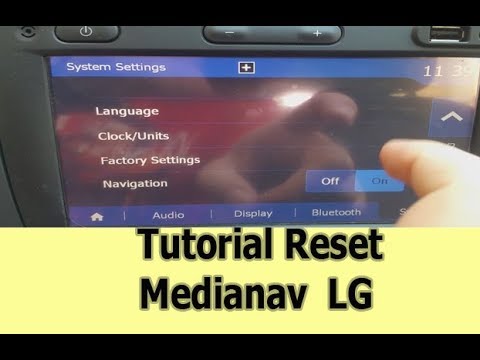
The Media Nav system produced by Renault offers various important and useful features while driving. However, sometimes software issues may arise tha…
Other guides you may be interested in |
How to lower the rear seats in the Peugeot 206?
In this tutorial, you will see how to lower the rear seats in the Peugeot 206, a very simple and quick operation, for example, if you need more space in the boot. First, open both the doors and the tailgate, then unclip the seat base and position it vertically. Next, remove the horizontal partition, locate the release levers at the ends of both seatbacks, and, by operating them, lower the seatbacks. To reassemble everything, simply follow the reverse procedure. by ScegliAuto More videos
|
|
For advertising on this site Write to info@scegliauto.com
ScegliAuto is not responsible for any inaccuracy of the data in the lists. To report any inaccuracy or your business (if you own the business in question), please write to info@scegliauto.com
Number of seconds to generate the page: 0.034
(c) ScegliAuto 2026 - info@scegliauto.com - Privacy policy VAT number: IT01247470535 |
